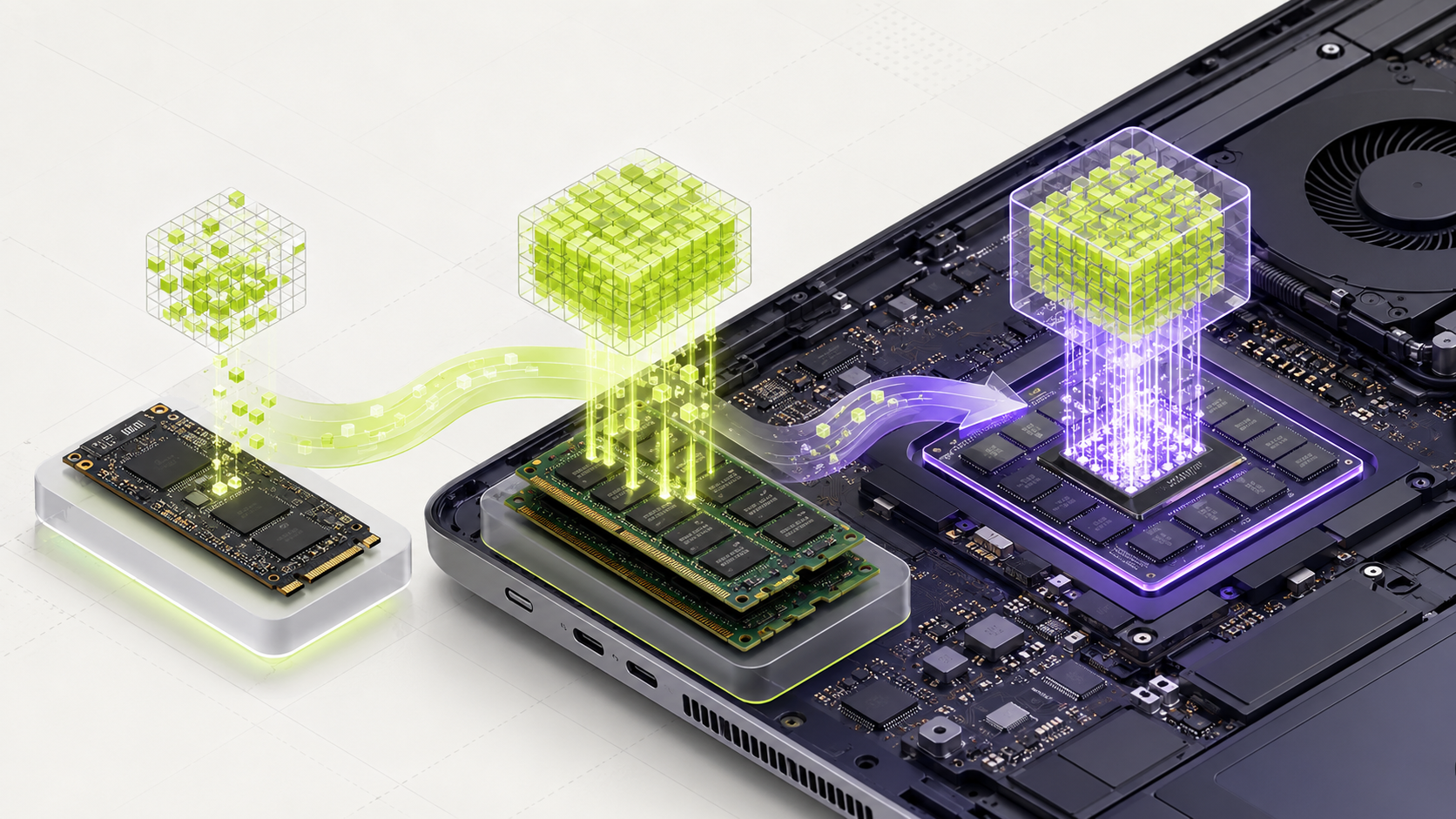
Sixteen gigabytes is a practical starting point for local AI. Many 3B to 8B quantized models can work, but the exact file and context still matter.
What should you choose?
For most people with 16 GB of RAM, Qwen 3 8B in Q4 format is the best all-round choice. It is large enough to give useful answers but small enough to leave working room for the operating system. Use Qwen 2.5 Coder 7B for coding, Gemma 3 4B for image and writing tasks, and Phi-4 Mini when speed matters most.
This answer assumes one user, a Q4 model, a short or medium context, and several gigabytes left for Windows, macOS, Linux, and the engine.
Qwen 3 8B Q4
It gives a strong balance across general questions, writing, reasoning, coding, tools, and several languages.
Limit: Long conversations use extra memory. Start with a 4K or 8K context instead of the published maximum.ollama run qwen3:8bQwen 2.5 Coder 7B Q4
It is focused on programming and fits more comfortably than the 14B coding version.
Limit: Use a practice project and automatic tests before trusting code changes.ollama run qwen2.5-coder:7bGemma 3 4B Q4
This version supports text and images and leaves more memory free than Gemma 3 12B.
Limit: The selected engine must support image input for the exact model.ollama run gemma3:4bPhi-4 Mini 3.8B Q4
It is compact, quick, and useful for reasoning, math, and tool-style tasks.
Limit: It is text-only and weaker than larger models on complex writing.ollama run phi4-miniQwen 3 8B plus EmbeddingGemma
EmbeddingGemma finds useful passages. Qwen writes the answer from those passages.
Limit: This needs a RAG application. The chat model alone does not search a document library.ollama pull embeddinggemmaA 14B Q4 model may load near the limit, but it leaves little room for the operating system, context, and other apps. It is not the normal recommendation for a comfortable 16 GB computer.
Use the explanations below when you want to know why each step matters.
16 GB RAM and 16 GB VRAM are different searches
This guide is for 16 GB of system RAM. A graphics card with 16 GB of dedicated VRAM is a different configuration: it also needs enough system RAM, a supported driver and a compatible engine. On an Apple Silicon Mac, unified memory is shared; do not enter it twice as RAM plus VRAM.
Start with a Q4-size 7B–8B model for general text or coding. Start smaller when you keep several applications open. A model with a very long advertised context does not mean that context will fit your machine. Begin at 4K and increase only after checking memory.
A fair comparison you can repeat
Test one general model and one model matched to your main task. Use the same five prompts, context setting and answer-length limit. For code, run the generated change against a small test project. For summaries, mark every name, number and claim that should survive.
Write down the exact model tag, quantization, engine version, memory peak and waiting time. Choose the smallest candidate that meets your quality threshold. The suggestions above are starting points from the catalogue, not a measured ranking on your computer.
Why 16 GB is a useful level
A 16 GB computer gives the operating system and AI model more room to work together. It can often run useful local assistants for writing, office work, private notes, and light coding.
This does not mean every 8B model will run well. Memory use changes with the model file, context length, engine, and other open programs.
Choose the model size by task
- Use 3B to 4B models when speed and low memory use matter most.
- Try 7B to 8B models when the task needs better instruction following or stronger writing.
- Choose a vision model only when the task includes images or screenshots.
- Use a coding model for repository and programming work.
- Use an embedding model plus a writing model for document search.
Do not spend all the memory
Leave several gigabytes for the operating system, the engine, and your normal apps. A long context also needs working memory beyond the downloaded file.
If the computer starts swapping memory to storage, answers can become very slow. A smaller model with a short context may feel much better than a larger model that barely fits.
The file, context, engine, and open apps all change memory use.
Compare two models fairly
- Use the same five to twenty real prompts.
- Use the same context length and answer length.
- Record first-word waiting time and total answer time.
- Score correctness and instruction following.
- Keep the smallest model that reaches your pass mark.
What to upgrade next
If quality is the main problem, test a stronger model before buying hardware. If speed is the problem, a supported GPU may help. If memory is always full, more RAM gives you room for larger files and longer contexts.
MamiLens separates these problems so a user does not buy a GPU when the real issue is model quality or poor task design.
Compare a small and medium model
Sixteen gigabytes is a practical starting point for local AI. It gives you more choices, but you should still leave memory for the operating system and other apps.
- 1
Check available RAM
Press Ctrl, Shift, and Esc on Windows. Select Performance, then Memory. Close heavy apps before testing.
- 2
Install Ollama
Download it from ollama.com/download and complete the installer.
- 3
Run the smaller model
Open PowerShell or Terminal and run:
ollama run qwen3:4b - 4
Run five real prompts
Save the answers and note the waiting time. Type /bye when finished.
- 5
Try a larger model only if needed
Use MamiLens to choose a supported 7B or 8B model. Run the same five prompts and compare quality, speed, and memory.
- Both tests use the same prompts.
- The chosen model leaves enough memory for normal work.
- The larger model is kept only if it gives a useful quality gain.
Official facts and real user evidence
Official documentation supports product and model facts. Community discussions show real setups, failures, and questions. A community result is supporting evidence, not a promise that another computer will perform the same way.
Find a model your computer can run.
MamiLens checks your hardware and shows a careful starting point.
Run the free compatibility check →This guide is educational. Model software, licenses, and hardware support can change. Check official sources before an important deployment.