Technology for emerging-market businesses and institutions.
Explore Deviceterra ↗Use local AI
with evidence.
Practical decisions for real computers and real work. Choose a starting point, then move from the guide into a hardware-fit recommendation.
Every guide should lead to a decision you can test.
Exact hardwareWe separate RAM, dedicated VRAM, shared memory, and model artifact size.
Complete setupA recommendation connects the model, quantization, engine, context, and task.
Visible limitsOfficial claims, practical ranges, and untested assumptions are not presented as the same evidence.
Solve the decisions that cause the most mistakes
Long, research-backed guides built from official sources, benchmarks, and real community troubleshooting.
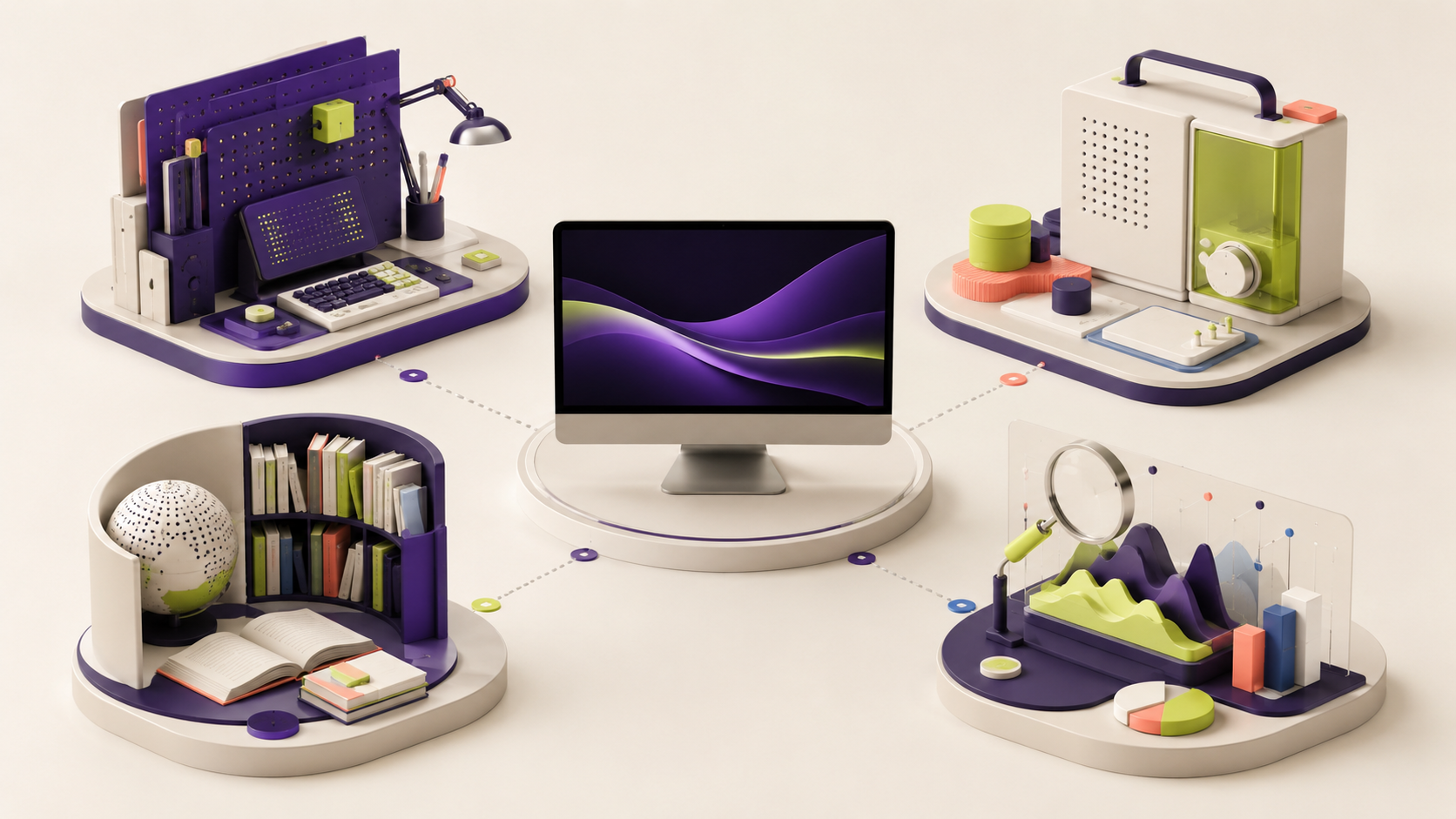
DeepSeek R1 8B, 14B or 32B: which can your computer run?
Compare DeepSeek R1 download sizes, system memory, GPU limits and a repeatable first test before choosing a model.
Read guide →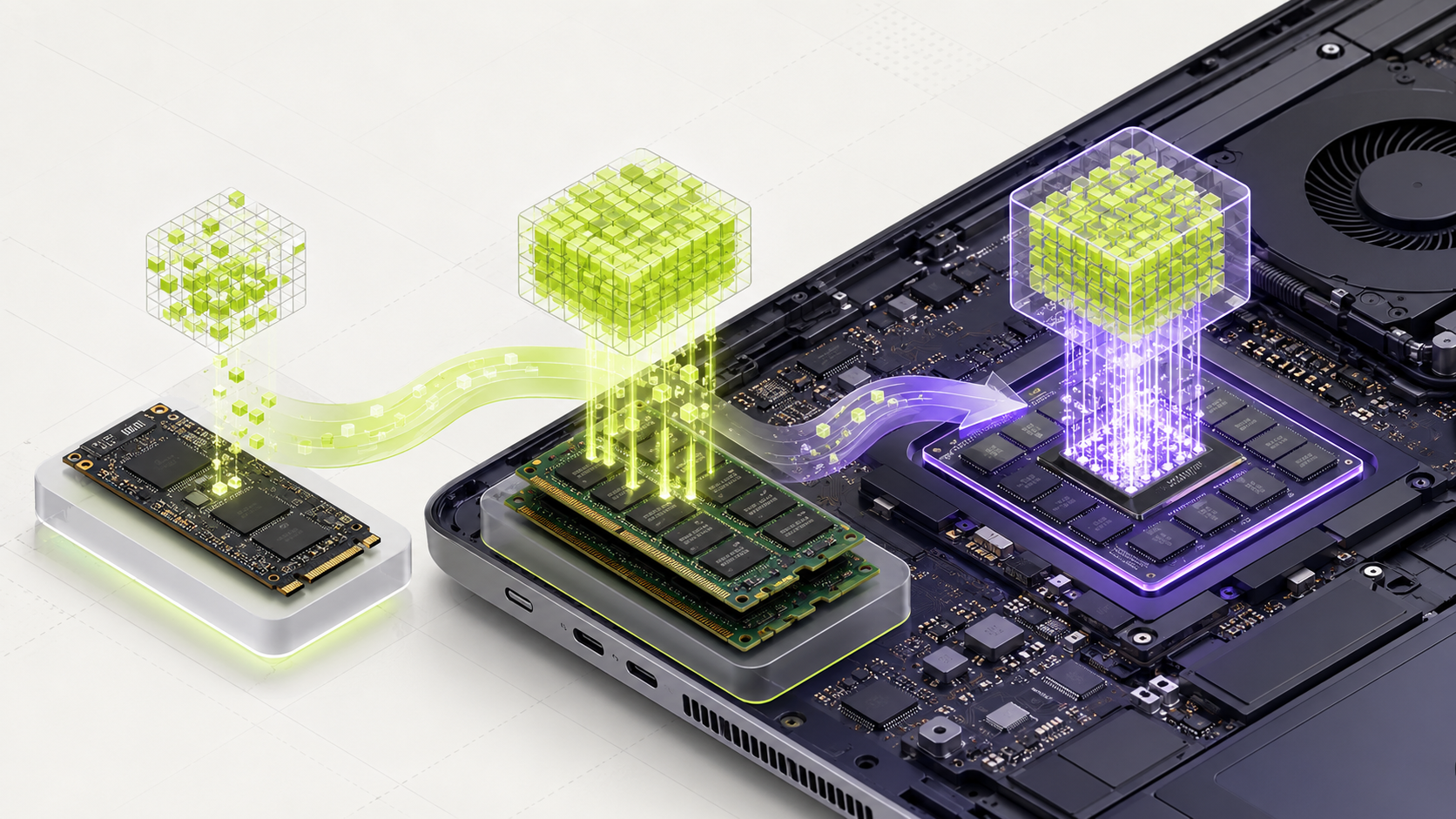
Best local AI models for 32 GB RAM: a practical 2026 guide
Thirty-two gigabytes of RAM can run much more than a tiny model. Learn when to choose a 14B, 27B, or efficient MoE model without using every last gigabyte.
Read guide →
RTX 3060 12 GB for local AI: the models and settings that make sense
The RTX 3060 is older, but its 12 GB of VRAM still makes it useful for local AI. Learn what fits fully, what can partly offload, and what to test first.
Read guide →
Ollama, llama.cpp, LM Studio, vLLM, or SGLang: choose by users and workload
The best local AI engine changes when one person becomes a team. Connect the model, hardware, active users, and setup skill.
Read guide →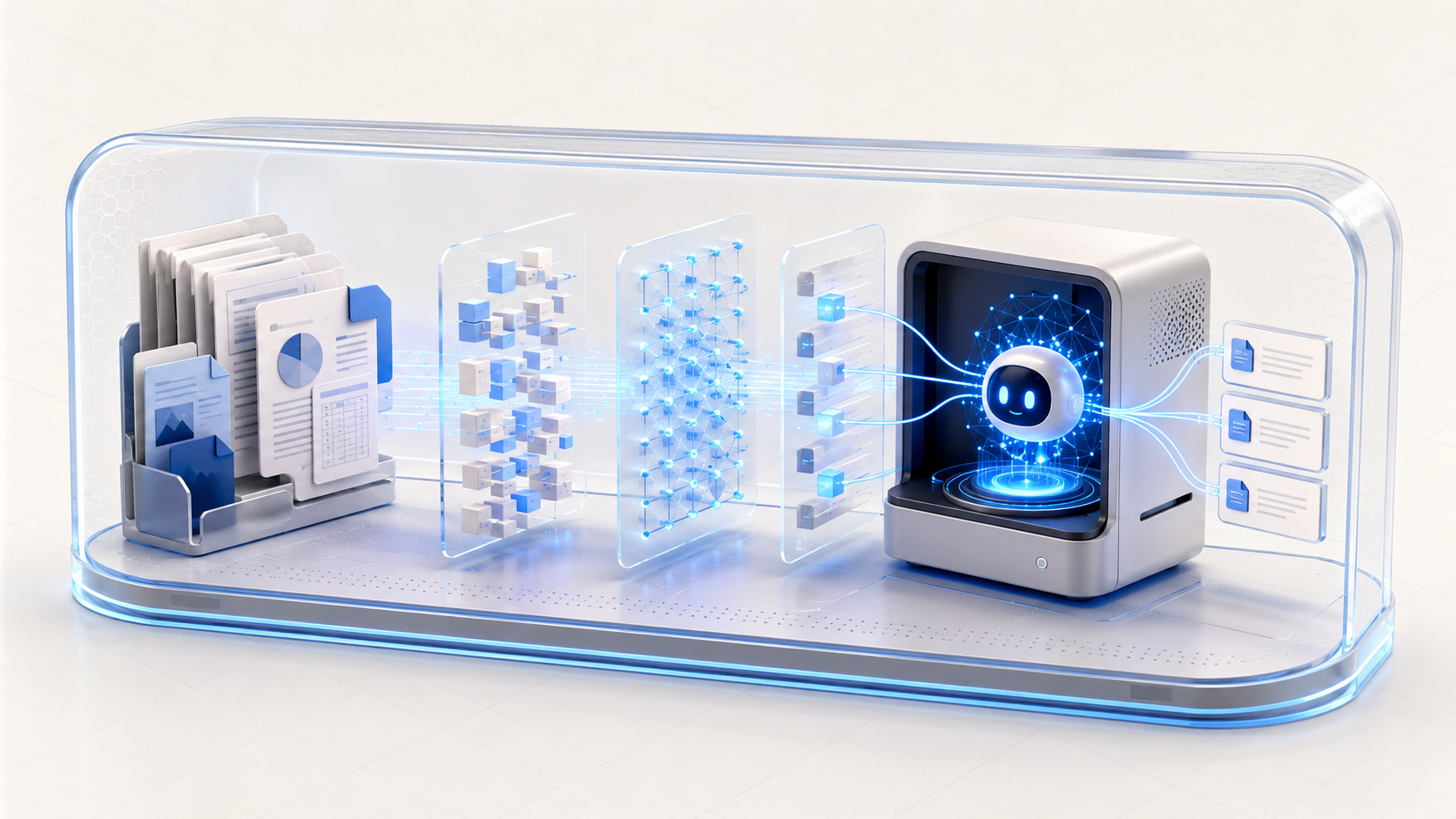
How to build a local PDF assistant that finds the right page and cites it
Most PDF assistants fail before the writing model answers. Test extraction, retrieval, citations, permissions, and the final answer.
Read guide →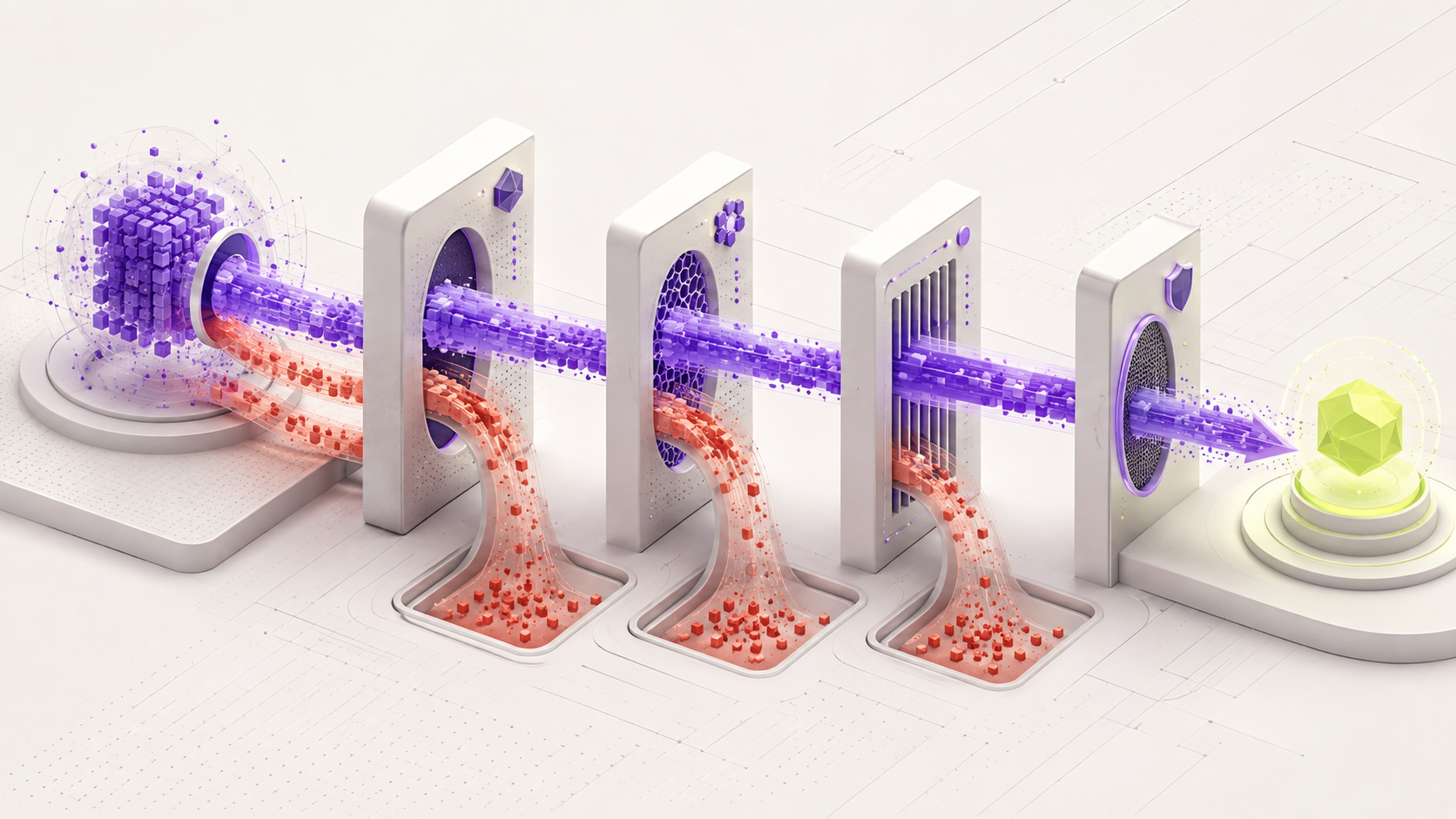
Why your local AI model fits in memory but still runs slowly
A model fitting in RAM or VRAM is only the first check. Bandwidth, context, offload, prompt processing, cooling, and parallel users change real speed.
Read guide →Start with the computer you own
Find realistic model ranges for your RAM, GPU, and operating system.

Best local AI models for a computer with 8 GB of RAM
Learn what an 8 GB computer can run, which model size to try first, and how to avoid freezing your laptop.
Read guide →Best local AI models for a computer with 16 GB of RAM
See which model sizes make sense on a 16 GB laptop and how to choose between speed, quality, and context length.
Read guide →Local AI on an RTX 3060: what can you really run?
The RTX 3060 can run useful local AI models. The first step is finding out whether your card has 8 GB or 12 GB of memory.
Read guide →Local AI on an RTX 4060: what fits in 8 GB of VRAM?
The RTX 4060 is fast, but it still has an 8 GB memory limit. Here is how to choose a model that fits without making the computer unstable.
Read guide →How to run local AI on an AMD GPU without guessing
Understand AMD support, shared memory, drivers, and why the exact GPU and engine must be checked together.
Read guide →
Local AI on an Apple Silicon Mac: memory, models, and engines
Plan a local AI setup for an M-series Mac using unified memory, a suitable model, and the right engine.
Read guide →How to run local AI without a dedicated GPU
Start local AI on a normal laptop by using a small model, enough RAM, and realistic speed goals.
Read guide →Start with the work you need to finish
Choose a complete local AI workflow for coding, PDFs, writing, vision, and private business knowledge.
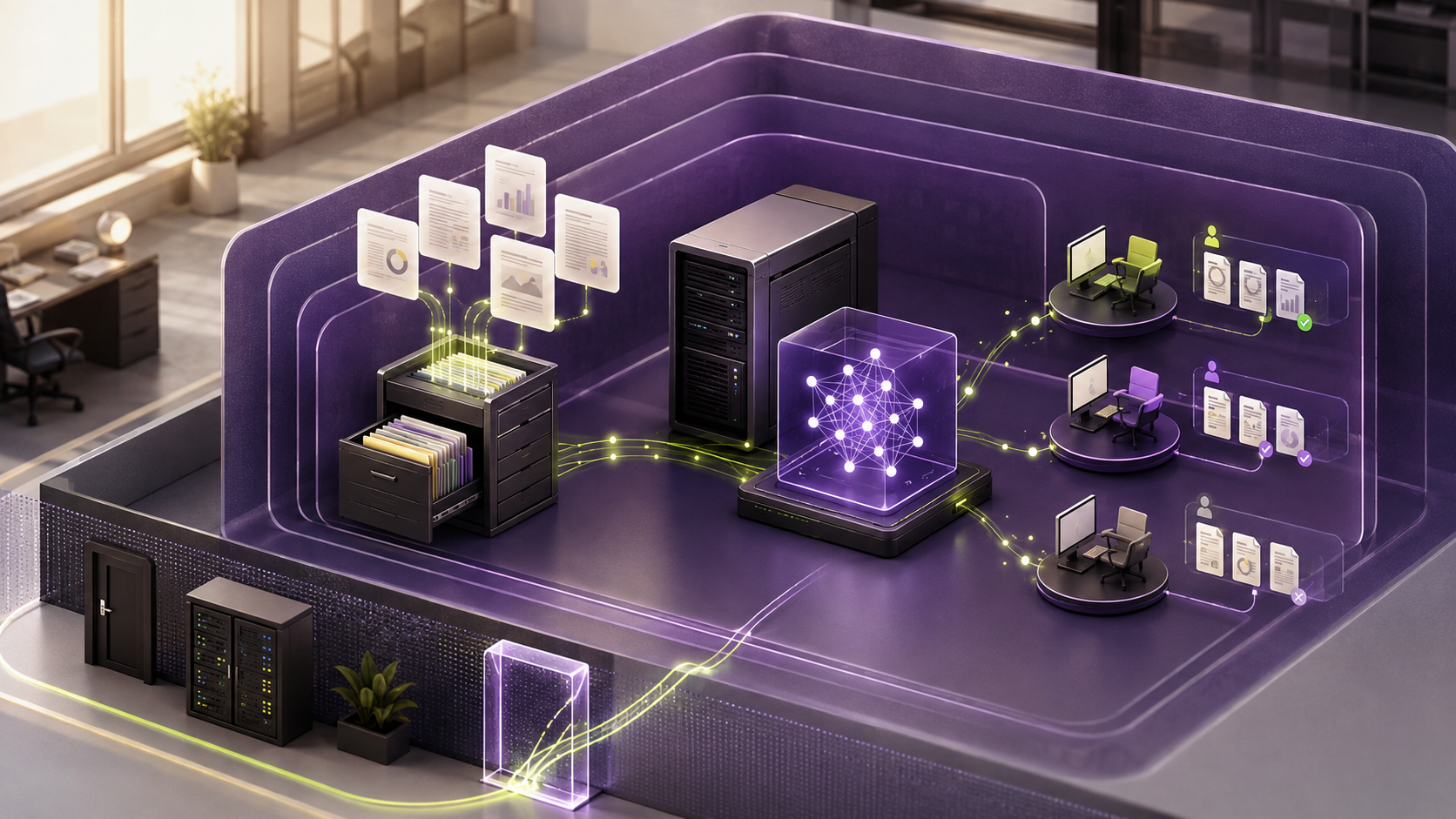
Use local AI when your business internet is unreliable
Build a small offline writing or document workflow, test an outage and measure whether it saves staff time.
Read guide →How to choose a local AI model for coding work
Match a coding model to your repository, language, context needs, privacy rules, and computer.
Read guide →Best local AI for PDFs and private documents
A good PDF assistant needs more than a chat model. It must read the file, find the right page, answer the question, and show where the answer came from.
Read guide →How to use local AI for writing and office work
Build a private assistant for drafts, summaries, meeting notes, and repeated office documents.
Read guide →How to choose a local AI model for images and screenshots
Learn what a vision model needs, how image resolution affects results, and how to test screenshot understanding.
Read guide →How to plan a private local AI assistant for a small business
Turn one business problem into a testable local AI system with clear data rules, hardware, and success measures.
Read guide →How to build a private document assistant with local AI
Turn approved PDFs, policies, and manuals into a local search assistant that shows its sources.
Read guide →Choose between models and engines
Compare exact options using hardware fit, task evidence, license, support, and setup effort.
Qwen vs Llama for local AI: which one should you choose?
Qwen and Llama are both large model families. The best choice depends on your computer, language, task, and the exact model version you test.
Read guide →Gemma vs Qwen: which local AI model is better for a laptop?
Both families include smaller models for normal computers. The right one depends on the exact size, language, task, and type of information you use.
Read guide →GPT-OSS vs Qwen: which one should you run locally?
GPT-OSS is built for reasoning and tool work. Qwen offers more sizes. Your hardware and task should decide which one you test.
Read guide →Ollama vs llama.cpp: which one should you use?
Ollama makes local AI easier to start. llama.cpp gives you more control. Here is how to choose without getting lost in technical settings.
Read guide →
Ollama vs LM Studio: which one should you install?
Choose the easier local AI tool for your skills, computer, and goal.
Read guide →Qwen, Gemma, Llama, or DeepSeek: which model should you choose?
Compare four popular local AI model families without looking for one perfect winner.
Read guide →All MamiLens guides
Start with your hardware.
Get a conservative model shortlist before downloading anything.