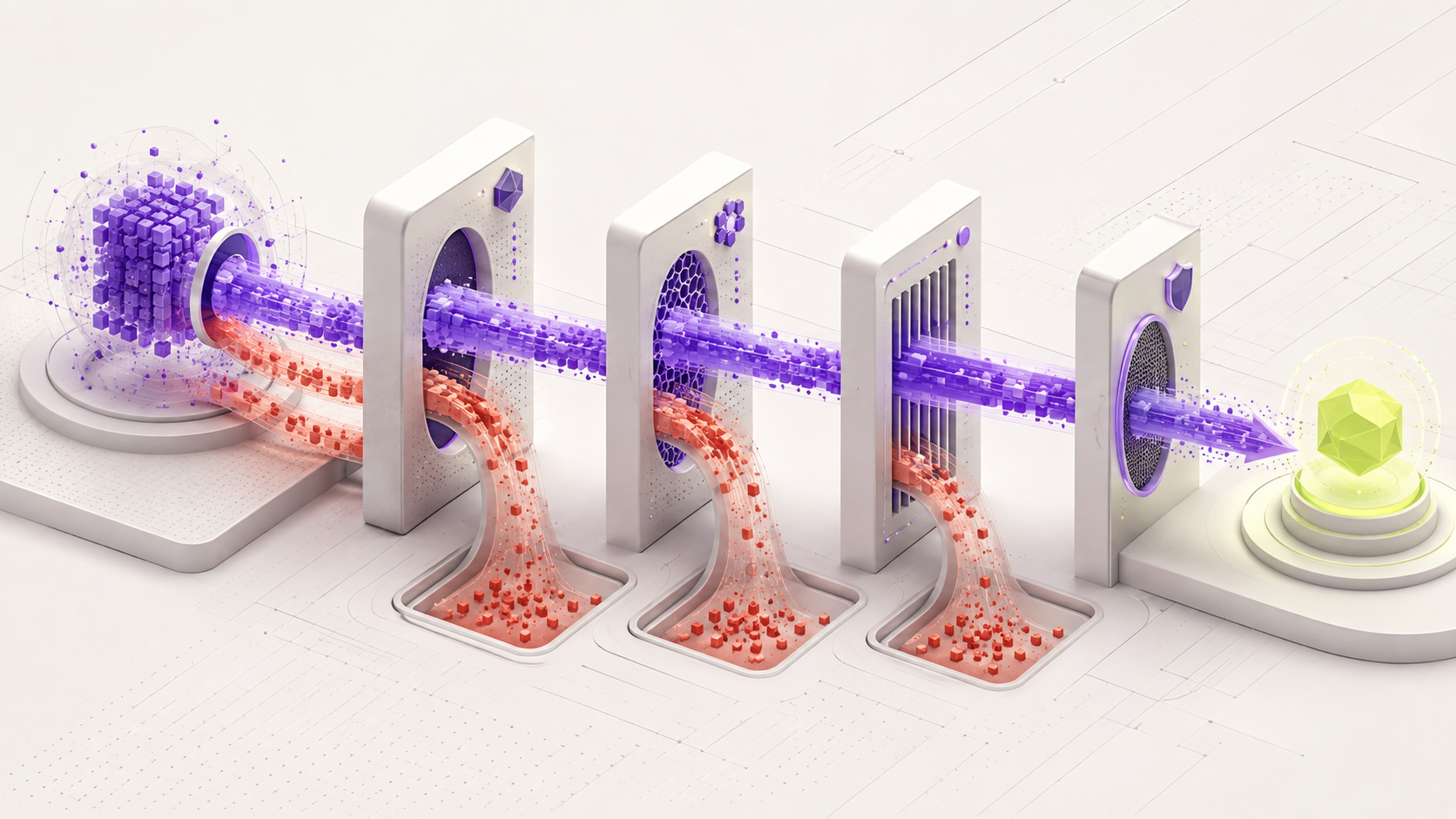
GPT-OSS and Qwen are not single models. Choose two versions that fit your hardware, then test them on the same reasoning, coding, and language tasks.
What should you choose?
Choose Qwen for smaller computers, more size choices, multilingual work, and vision from supported variants. Choose GPT-OSS when you have at least about 16 GB available for the model and need reasoning, structured output, coding, or tool-based work. For most 16 GB total-RAM laptops, Qwen is the safer choice because GPT-OSS 20B leaves too little room for the rest of the system.
The official compressed GPT-OSS 20B model needs about 16 GB for the model itself. Total system RAM is not the same as memory available only to the model.
Qwen 3 4B or smaller
GPT-OSS 20B does not fit this memory class safely.
Limit: Small Qwen models have lower reasoning ability.Qwen 3 8B
It leaves working room for the operating system and engine.
Limit: It is not a direct replacement for GPT-OSS reasoning behavior.Test GPT-OSS 20B and Qwen 3 14B
Both become practical candidates for reasoning and coding tests.
Limit: Compare exact task results rather than parameter counts.GPT-OSS 120B
It targets high-memory professional hardware and stronger reasoning workflows.
Limit: It is not a consumer-laptop model.Do not say GPT-OSS 20B is a comfortable 16 GB laptop model merely because the compressed weights are about 16 GB.
Use the explanations below when you want to know why each step matters.
What is GPT-OSS?
OpenAI released two open-weight GPT-OSS models. They are called gpt-oss-20b and gpt-oss-120b. Open-weight means you can download the trained model and run it on hardware you control.
These models are made for text, reasoning, coding, and tool-based work. They do not understand images.
The 20B model needs about 16 GB of memory in its official compressed format. The 120B model needs about 80 GB. Your AI app and conversation may need extra memory too.
What is Qwen?
Qwen is a large family of open models. It includes very small models for limited computers and much larger models for workstations and servers.
Different Qwen versions focus on areas such as normal chat, reasoning, coding, images, and tool use.
Because Qwen has more small sizes, it gives you options when your computer cannot fit gpt-oss-20b.
Let your available memory guide the first choice
If your computer has less than 16 GB available for the model, begin with a smaller Qwen model. Do not force GPT-OSS to run when it leaves no room for the operating system.
If you have enough memory for gpt-oss-20b, compare it with a Qwen model that also fits comfortably. Do not compare models only because their parameter numbers look close.
For very large models, include electricity, cooling, setup time, and the number of users in your decision.
Use tests from your real job
- Give both models a reasoning question with a known answer.
- Ask both to repair code and run the same automatic tests.
- Ask for a strict JSON or table format.
- Test tool use with safe practice tools.
- Test every language your work needs.
- Include questions where the model should admit that it does not know.
Which one should you choose?
GPT-OSS may be a good choice when you have enough memory and need strong reasoning, structured answers, or tool-based work.
Qwen may be a better choice when you need a smaller model, support for a specific language, image understanding from a supported version, or more choices for limited hardware.
There is no honest winner for every person. Keep the model that passes your test at a speed and cost you can accept.
Plan a hardware-fit comparison
GPT-OSS begins at a much larger memory level than the smallest Qwen models. First decide which models can fit your hardware safely.
- 1
Record available memory
Find RAM and dedicated VRAM. Leave room for the operating system and engine.
- 2
Choose GPT-OSS only if it fits
The official compressed gpt-oss-20b needs about 16 GB for the model. Use a smaller Qwen model when that does not fit safely.
- 3
Choose one task
Use reasoning, code repair, structured output, or safe tool use.
- 4
Prepare ten known tests
Write correct answers or automatic checks before running either model.
- 5
Run and score
Record correctness, time, memory, broken formats, and failures to admit uncertainty.
- Neither model is forced onto hardware where it does not fit.
- The exact Qwen version is named.
- The choice is based on a real task and written result.
Official facts and real user evidence
Official documentation supports product and model facts. Community discussions show real setups, failures, and questions. A community result is supporting evidence, not a promise that another computer will perform the same way.
Watch a real test. Check what fits your computer.
See practical local AI tests from DeviceTerra, then use MamiLens to build a hardware-aware shortlist for your own setup.
This guide is educational. Model software, licenses, and hardware support can change. Check official sources before an important deployment.