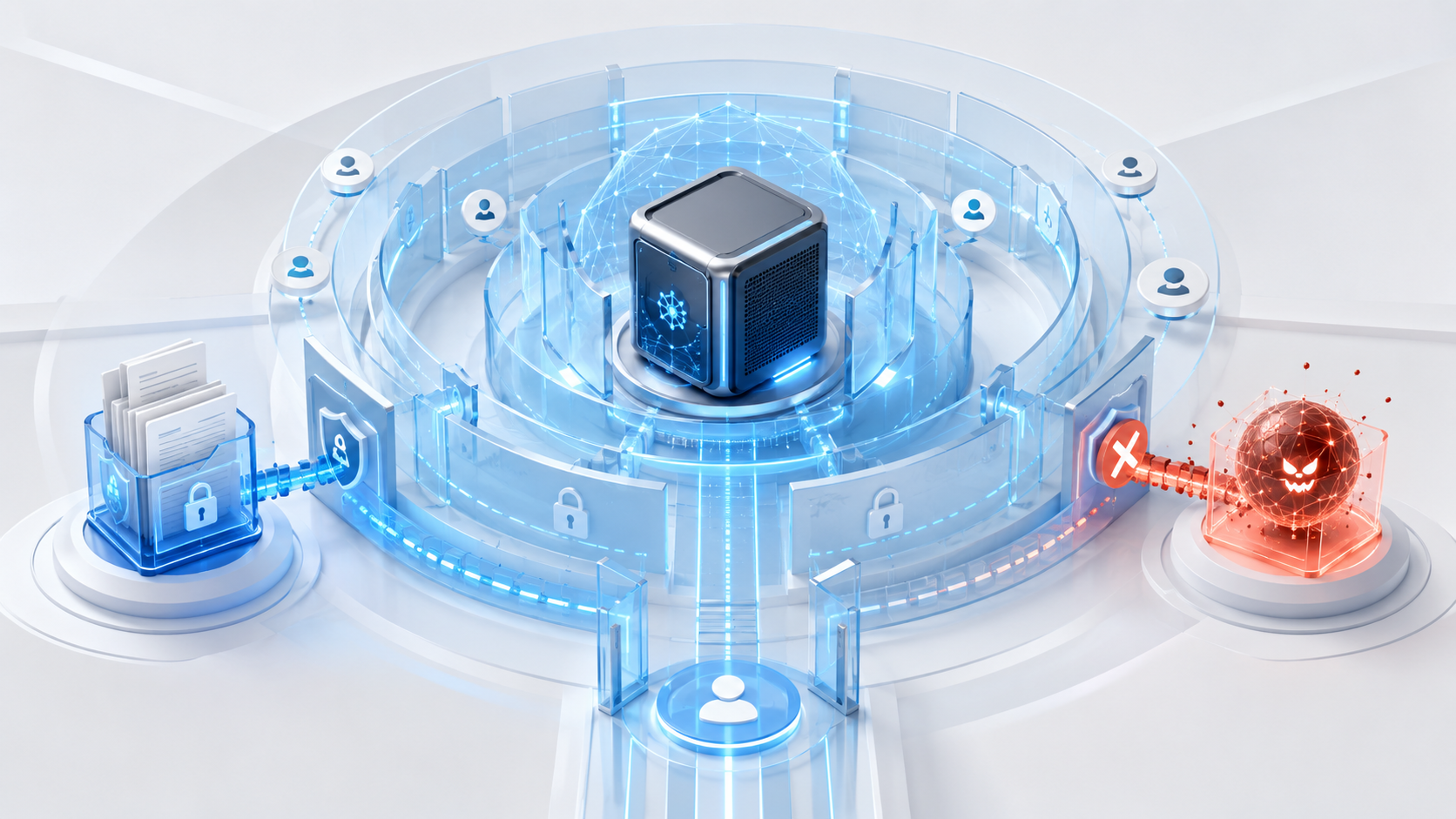
Running AI locally removes one cloud risk. It does not automatically protect every file, app, user, or connection.
Complete a basic safety check
Running a model locally removes one cloud risk, but it does not protect an unlocked laptop, public model port, unsafe plugin, or badly stored backup.
- 1
Draw the data path
Write every place a prompt or file goes, including the chat app, model, search index, logs, plugins, and backups.
- 2
Disconnect unneeded online tools
Turn off web search, cloud sync, analytics, or plugins that are not required for the private task.
- 3
Check the local service
Keep Ollama on its normal local address. Do not forward port 11434 from your router to the internet.
- 4
Protect the computer
Use a login password, disk encryption, screen lock, and current security updates.
- 5
Test with fake private data
Use made-up customer records. Check logs, exports, backups, and user permissions before adding real records.
- No model service is open directly to the public internet.
- Users see only the documents they are allowed to see.
- You know where prompts, logs, and backups are stored.
Use the explanations below when you want to know why each step matters.
Keep sensitive information out of the prompt itself
If the model does not need a customer’s identity, remove it before sending the prompt. Replace names with stable labels such as Customer A and remove phone numbers, addresses and account identifiers. Keep the mapping outside the AI application.
Redaction is not perfect: a rare job title, event or combination of details may still identify someone. Review the remaining text. For tasks that require exact records, restrict access and processing to the approved system instead of pretending the data is anonymous.
Test the complete boundary with invented records
Create a fake record with a distinctive marker. Run the normal task, then check chat history, application logs, exports, document indexes and backups for that marker. Decide who can read each copy and how it will be removed.
Test a second user who should not have access. The search layer must enforce permissions before it passes text to the model. Asking the model to hide unauthorized information is not an access-control mechanism.
A pass applies to the settings and workflow tested. Adding a cloud model, search plugin, remote backup or new user role requires another check.
Draw the full data path
List every place that receives a prompt or document. This may include the chat app, AI model, document search, speech tool, web search, plugins, logs, and backups.
Mark which parts stay on your computer and which parts contact the internet. Turn off cloud features you do not need.
Keep the model service private
Ollama normally accepts requests only from the same computer. Its local service does not ask for a password.
Do not open that service directly to the internet. For a team, place it behind a protected app or private network with user accounts and access rules.
Changing a network address does not create security by itself.
Protect documents
- Encrypt computers and backups.
- Check permission before searching a document.
- Keep document groups separate by role.
- Do not store secrets users should never find.
- Show sources beside important answers.
- Decide when files, indexes, and chats are deleted.
Treat files and tools as untrusted
A document can contain hidden instructions that try to control the AI. This is called prompt injection.
Keep document text separate from trusted rules. Give connected tools only the access they need. Require a person to approve important actions.
Minimum safety checklist
- Download models and apps from trusted sources.
- Keep the model port off the public internet.
- Give each user only the access they need.
- Set rules for logs and backups.
- Test for data leaks and harmful document instructions.
- Keep a shutdown and recovery plan.
Official facts and real user evidence
Official documentation supports product and model facts. Community discussions show real setups, failures, and questions. A community result is supporting evidence, not a promise that another computer will perform the same way.
Find a model your computer can run.
MamiLens checks your hardware and shows a careful starting point.
Run the free compatibility check →This guide is educational. Model software, licenses, and hardware support can change. Check official sources before an important deployment.