On this page
The direct answerWhy the smallest model is not the safest answerWhat the model file does not showThree model lanes worth testingWhy fit does not prove speedRun a fair twenty-question testSpend memory where it helpsCan I serve a team with 32 GB?SourcesFor one user with 32 GB RAM, a 14B Q4 model is a safe quality-first start. A 27B Q4 or 30B MoE can be worth testing when enough memory remains for the system and context.
Here is what matters, why it matters and how to check it on your own setup.
The direct answer
If you have 32 GB of system RAM and no useful dedicated GPU, do not stop at a 0.6B or 3B model. Those models are fast, but they leave most of your computer unused and may be too weak for careful writing, coding, or reasoning.
Start with a 14B instruction model in a good Q4 quantization. Qwen3 14B is a practical example because its official family includes a 14B model, supports many languages, and works through common local engines. If your work is demanding and slower replies are acceptable, test a 27B Q4 or efficient mixture-of-experts model next.
Quick replies and plenty of headroom
A strong first choice for most people
Can fit, but speed must be measured
Why the smallest model is not the safest answer
A recommendation should use the computer while keeping a safety reserve. It should not choose the smallest model simply because that model is easy to run. The goal is the strongest sensible starting point for the task.
The computer still needs memory for Windows, macOS, or Linux. The engine, context, KV cache, and other apps also need room. This is why a 14B class model can be a better first recommendation than a much smaller model on a 32 GB system.
Choose the strongest model that leaves safe headroom and can finish the real task at an acceptable speed.
What the model file does not show
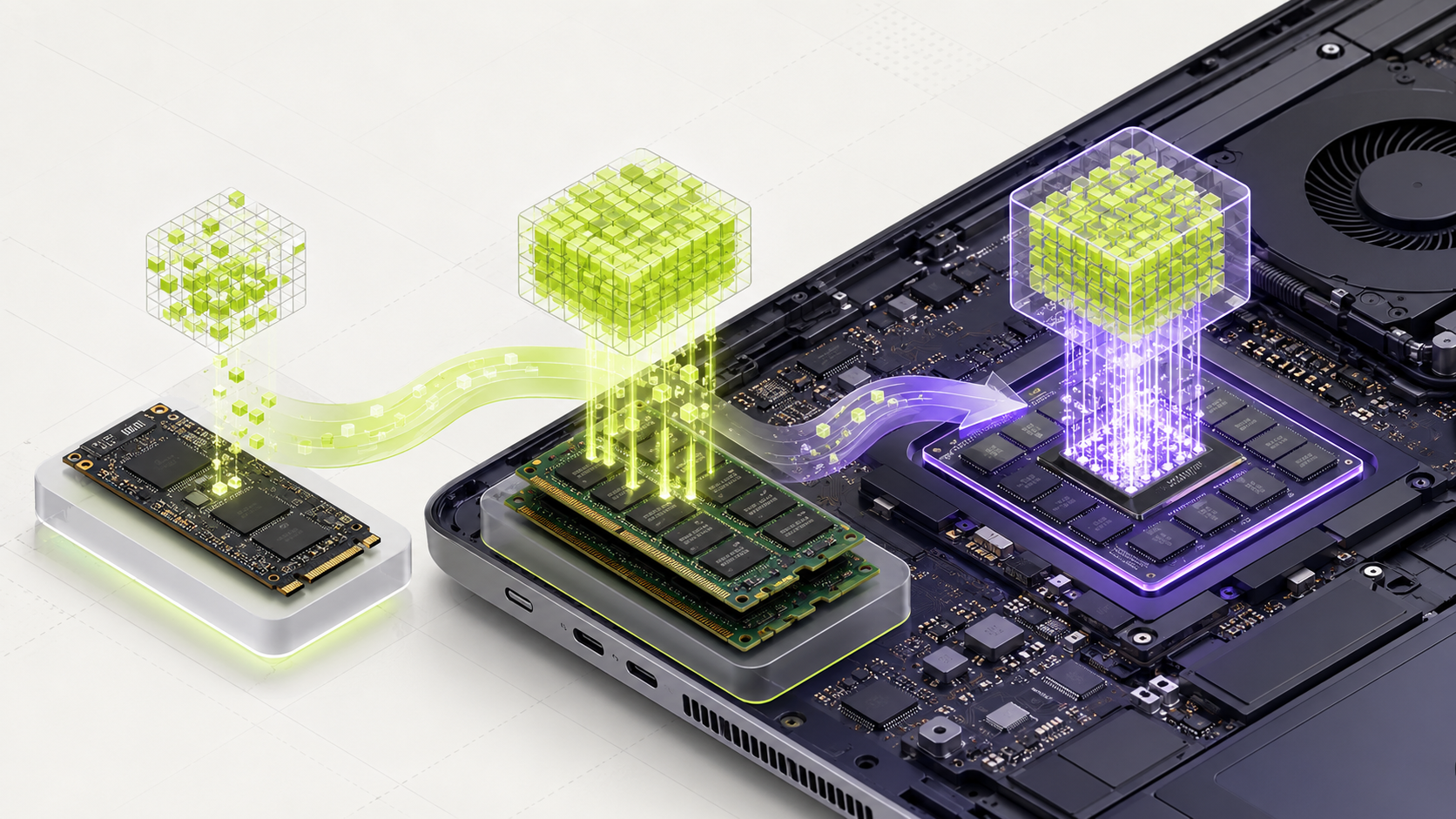
The downloaded file is mostly the model weights. It is not the full amount of memory needed while the model runs. A 9 GB file needs extra memory for the engine, temporary work, and the text held in the conversation.
Q4 is often a good first test because it keeps useful quality while using much less memory than full precision. Q5 or Q6 may improve quality, but the larger file leaves less room for context.
Reserved before the model starts
Typical 14B Q4 class file
Grows with prompt length
Helps avoid swapping and crashes
Three model lanes worth testing
Qwen3 14B is the balanced lane for multilingual chat, reasoning, writing, and coding. Gemma 3 12B is another useful class, especially when image understanding matters and the exact engine supports its vision files.
A 27B dense model or efficient 30B MoE is the quality lane. Community reports show that these models can run on 32 GB systems with careful settings. Those reports prove possibility, not the speed of another computer.
- Use the instruct or chat version for normal conversations.
- Start with Q4 and an 8K or 16K context.
- Run the same prompts on every model.
- Record first-word delay, answer speed, peak memory, and correctness.
- Keep the smaller model if the larger one does not improve the work enough.
Why fit does not prove speed
System RAM has much less bandwidth than dedicated GPU memory. A CPU-only model may fit comfortably but still generate words slowly. A model split between GPU memory and system RAM can also slow down because data must move across the computer.
Real llama.cpp discussions show users changing cache precision, GPU layers, and CPU expert placement to make larger models practical. MamiLens should label these results as community evidence, not guaranteed performance.
Run a fair twenty-question test
Prepare twenty prompts from work you actually do. Include easy questions, normal tasks, hard tasks, and questions the model should mark as unknown.
Score correctness before speed. Then record time to first word, generation speed, and highest memory use. A larger model wins only when its better answers justify the extra waiting time.
- Warm each model once before measuring.
- Use the same prompt, context, and answer length.
- Close unrelated heavy apps for the first test.
- Repeat any surprising result.
- Save the model tag, quantization, engine version, and settings.
Spend memory where it helps
With 32 GB RAM, compare a compact model with a mid-sized one on your actual task. More memory lets you test more options. It does not prove that a larger model will be faster, more accurate or better for every job.
Choose a short context first. Score both candidates on the same work samples. If the larger model adds useful quality and the waiting time is acceptable, keep it. If the smaller one passes just as well, save memory for other work.
Avoid filling RAM just to use its capacity. A slow computer or unreliable workflow is not a good result.
Can I serve a team with 32 GB?
Possibly for a narrow workload, but test simultaneous requests. Several active conversations can require more working memory and create a queue. Account count is not the same as concurrent use.
Words you may see in this guide
- RAM
- The working memory used by your computer and apps.
- VRAM
- The memory on a dedicated graphics card. Shared graphics may use system RAM.
- Context
- The text and other input the model can use for its current answer.
- Quantization
- A way to make model weights smaller. It can change memory use and answer quality.
- Engine
- The software that loads the model and runs it.
- RAG
- A workflow that finds useful document passages before asking a model to answer.
- Benchmark
- A repeatable test. A result is useful only when you know the setup and task.
Official facts and real user evidence
Official documentation supports product and model facts. Community discussions show real setups, failures, and questions. A community result is supporting evidence, not a promise that another computer will perform the same way.
Watch a real test. Check what fits your computer.
See practical local AI tests from DeviceTerra, then use MamiLens to build a hardware-aware shortlist for your own setup.
This guide is educational. Model software, licenses, and hardware support can change. Check official sources before an important deployment.