On this page
Long files are divided for searchChunks need enough contextOverlap can protect boundariesPages, tables, and scans need careKeep source information with every chunkTry it yourselfSourcesA chunk is a smaller passage made from a document so search can retrieve focused evidence.
RAG Chunking Strategies Explained
The video compares document chunking approaches and their effect on recall and precision. The lesson turns that into a beginner checklist for boundaries, overlap, tables, scans, and source metadata.
Watch on YouTube or turn on captions ↗Here is what matters, why it matters and how to check it on your own setup.
Long files are divided for search
A document assistant rarely compares every full file with every question at once.
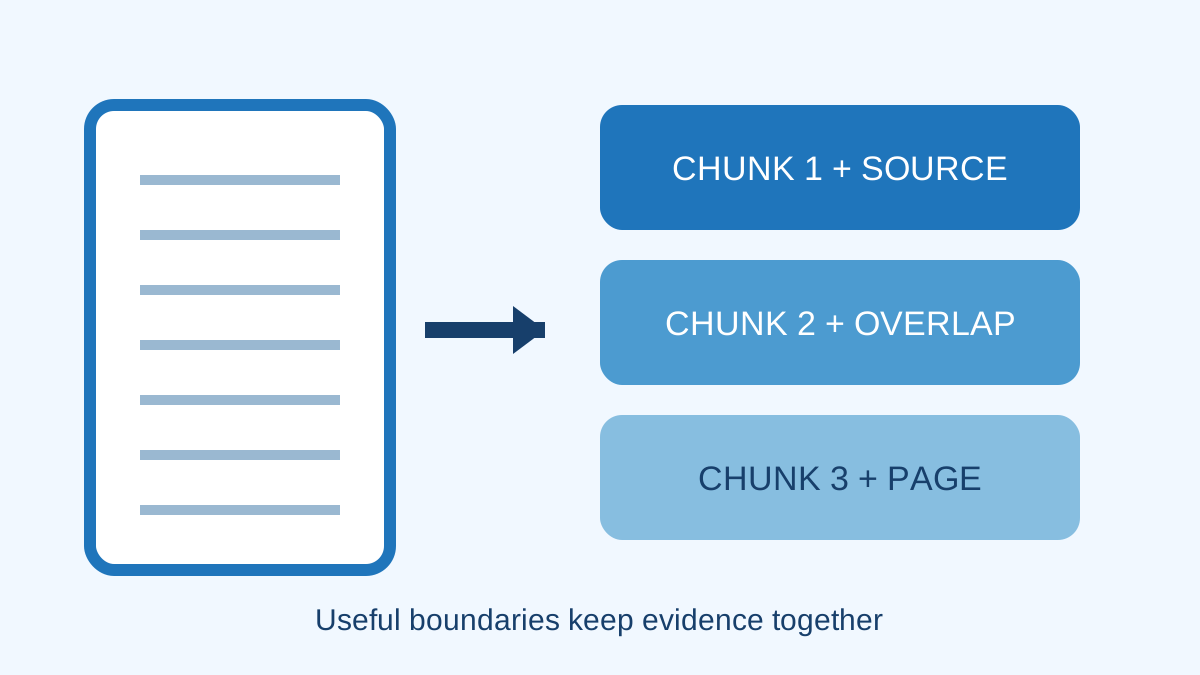
It splits text into chunks, creates embeddings for them, and retrieves a small set that appears relevant.
A simplified learning diagram. Exact implementations can differ.
Chunks need enough context
A chunk that is too short may separate a rule from its exception or a heading from its explanation.
A chunk that is too long may contain several topics and make retrieval less focused.
Overlap can protect boundaries
Systems often repeat a little text between neighbouring chunks so an important sentence is not cut away from its context.
Too much overlap increases storage and can return several nearly identical passages.
Pages, tables, and scans need care
A scanned PDF needs text recognition before ordinary text chunking. Tables can lose meaning when rows and headings are separated.
Inspect extracted text before blaming the language model for missing or broken evidence.
Keep source information with every chunk
Store the document name, page or section, version, and access rules with the passage.
This information supports citations and prevents a user from retrieving text they are not allowed to see.
Try it yourself
Use harmless information for this exercise. Record what you observe instead of treating one result as a universal rule.
- Take a two-page document and mark natural section boundaries.
- Create several short passages while keeping headings with their explanations.
- Ask three known-answer questions and inspect the retrieved passage before the generated reply.
Quick check: open the recap
Is there one perfect chunk size for every document? No. Structure, language, tables, and question types change the best choice.
Finished this lesson?
Mark it complete when you have read the lesson and tried the exercise. This saves progress on this browser. It is your own assessment, not a test score.
Sources for this lesson
Official documentation supports product and model facts. Community discussions show real setups, failures, and questions. A community result is supporting evidence, not a promise that another computer will perform the same way.
Watch a real test. Check what fits your computer.
See practical local AI tests from DeviceTerra, then use MamiLens to build a hardware-aware shortlist for your own setup.
This guide is educational. Model software, licenses, and hardware support can change. Check official sources before an important deployment.