On this page
The same model can be packaged differentlyGGUF is common for local useFormat support is not model supportChat templates also matterDownload from a traceable sourceTry it yourselfSourcesA model format describes how model data is packaged. The engine must support the exact format and architecture.
What's Inside a GGUF File? Local AI Models Explained
The video looks inside the GGUF container, including metadata, tensor information, quantization labels, and loading. The written material keeps the beginner decision clear: confirm format, architecture, engine, and source.
Watch on YouTube or turn on captions ↗Here is what matters, why it matters and how to check it on your own setup.
The same model can be packaged differently
Publishers and communities may provide original framework files, GGUF files, MLX versions, or engine-specific packages.
These are different ways to store or prepare model data. They are not interchangeable in every app.
A simplified learning diagram. Exact implementations can differ.
GGUF is common for local use
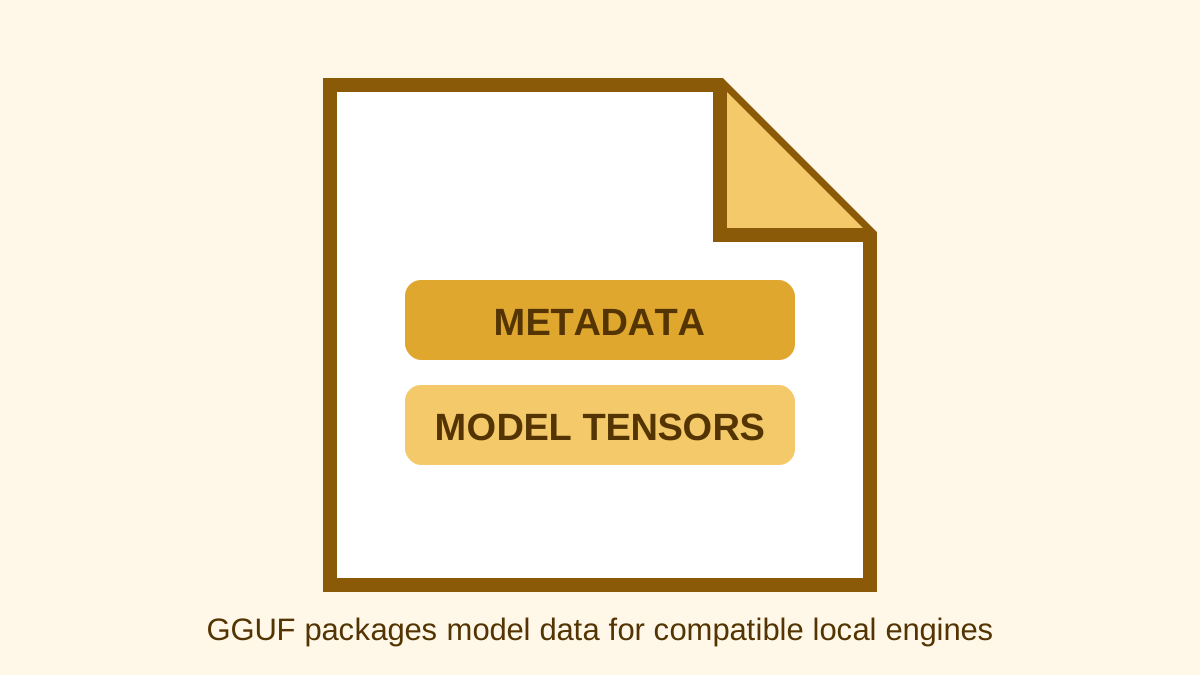
GGUF is a file format used by llama.cpp and compatible tools to store model information and weights.
A GGUF filename often includes the quantization. Read the repository description instead of choosing from the filename alone.
Format support is not model support
An engine may read GGUF files but still lack support for a new model architecture or special image component.
Check both the format and the exact model family in current engine documentation.
Chat templates also matter
Instruction models expect prompts to be arranged in a particular chat format.
Modern files and apps may carry this information automatically, but a wrong template can produce poor or strange replies even when the model loads.
Download from a traceable source
Prefer the model publisher, an official engine library, or a well-documented conversion with clear origin.
Record the source URL, filename, size, and licence so another person can repeat your setup.
Try it yourself
Use harmless information for this exercise. Record what you observe instead of treating one result as a universal rule.
- Find one model offered in more than one format.
- Choose the format documented by your engine.
- Record the repository, exact file, quantization, and chat instructions.
Quick check: open the recap
Can every app open every GGUF file? No. It must support the format, architecture, and required features.
Finished this lesson?
Mark it complete when you have read the lesson and tried the exercise. This saves progress on this browser. It is your own assessment, not a test score.
Sources for this lesson
Official documentation supports product and model facts. Community discussions show real setups, failures, and questions. A community result is supporting evidence, not a promise that another computer will perform the same way.
Watch a real test. Check what fits your computer.
See practical local AI tests from DeviceTerra, then use MamiLens to build a hardware-aware shortlist for your own setup.
This guide is educational. Model software, licenses, and hardware support can change. Check official sources before an important deployment.