On this page
Weights can be stored with different precisionQ4 is a family, not one universal fileSmaller can change qualityQuantization does not change the family nameChoose the smallest version that passesTry it yourselfSourcesQuantization stores model weights with less precision so the model can use less storage and memory, sometimes with a quality tradeoff.
Quantizing LLMs: How and Why, from 8-Bit to 4-Bit and GGUF
This lesson covers why lower precision reduces model size, how 8-bit and 4-bit choices differ, and where quality tradeoffs can appear. MamiLens keeps the written exercise focused on comparing exact files on one real task.
Watch on YouTube or turn on captions ↗Here is what matters, why it matters and how to check it on your own setup.
Weights can be stored with different precision
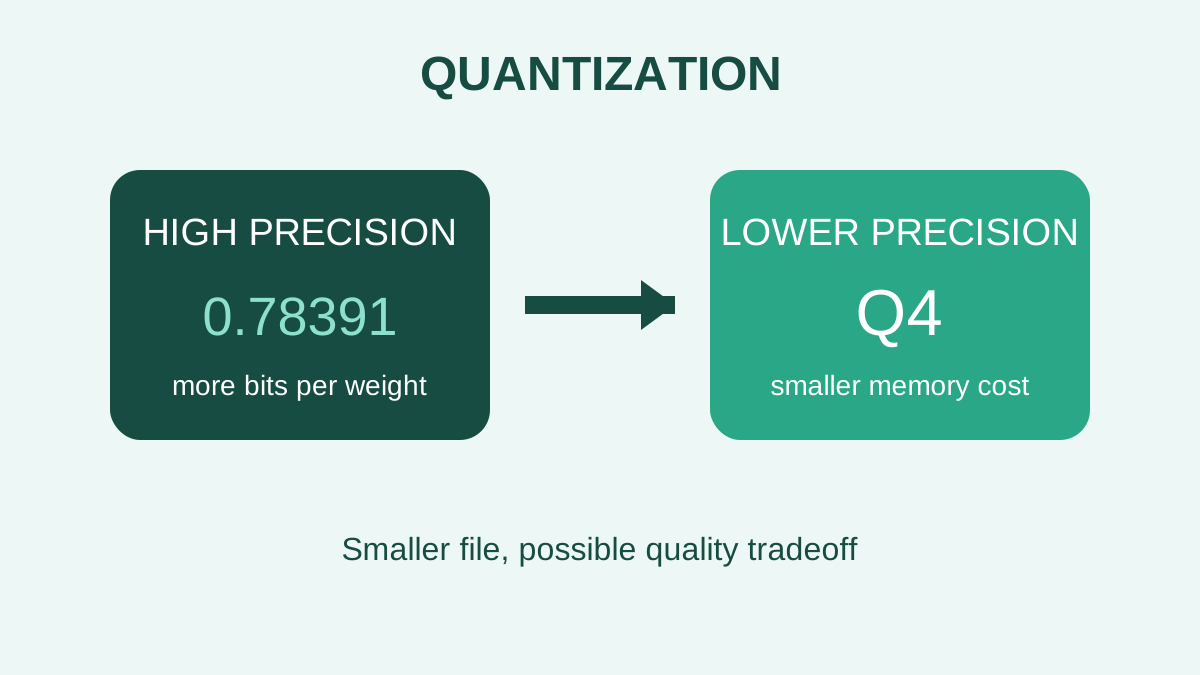
A trained model contains many numerical weights. Quantization represents those numbers with fewer bits.
That usually creates a smaller file and lowers memory use, which can make a model practical on consumer hardware.
A simplified learning diagram. Exact implementations can differ.
Q4 is a family, not one universal file
Names such as Q4 often describe a broad precision level. Different quantization methods and model architectures can still produce different sizes and results.
Use the exact filename, format, and source when comparing two tests.
Smaller can change quality
Reducing precision can change model output. The effect varies by model, method, and task.
Do not assume that every smaller file is unusable or that every large file is noticeably better. Test what matters.
Quantization does not change the family name
A quantized file is usually a compressed representation of the same trained model, not a new training run.
It still needs a compatible engine and enough working memory for context and temporary data.
Choose the smallest version that passes
Begin with a commonly supported middle option that fits safely.
Compare it with one smaller or larger option using the same prompts, then keep the one that meets quality and waiting-time needs.
Try it yourself
Use harmless information for this exercise. Record what you observe instead of treating one result as a universal rule.
- Choose two quantizations of the same model from an official or trusted repository.
- Record each exact filename and size.
- Test the same three prompts and compare errors, memory use, and waiting time.
Quick check: open the recap
Does Q4 tell you the complete memory requirement? No. It is only part of the model and runtime description.
Finished this lesson?
Mark it complete when you have read the lesson and tried the exercise. This saves progress on this browser. It is your own assessment, not a test score.
Sources for this lesson
Official documentation supports product and model facts. Community discussions show real setups, failures, and questions. A community result is supporting evidence, not a promise that another computer will perform the same way.
Watch a real test. Check what fits your computer.
See practical local AI tests from DeviceTerra, then use MamiLens to build a hardware-aware shortlist for your own setup.
This guide is educational. Model software, licenses, and hardware support can change. Check official sources before an important deployment.