On this page
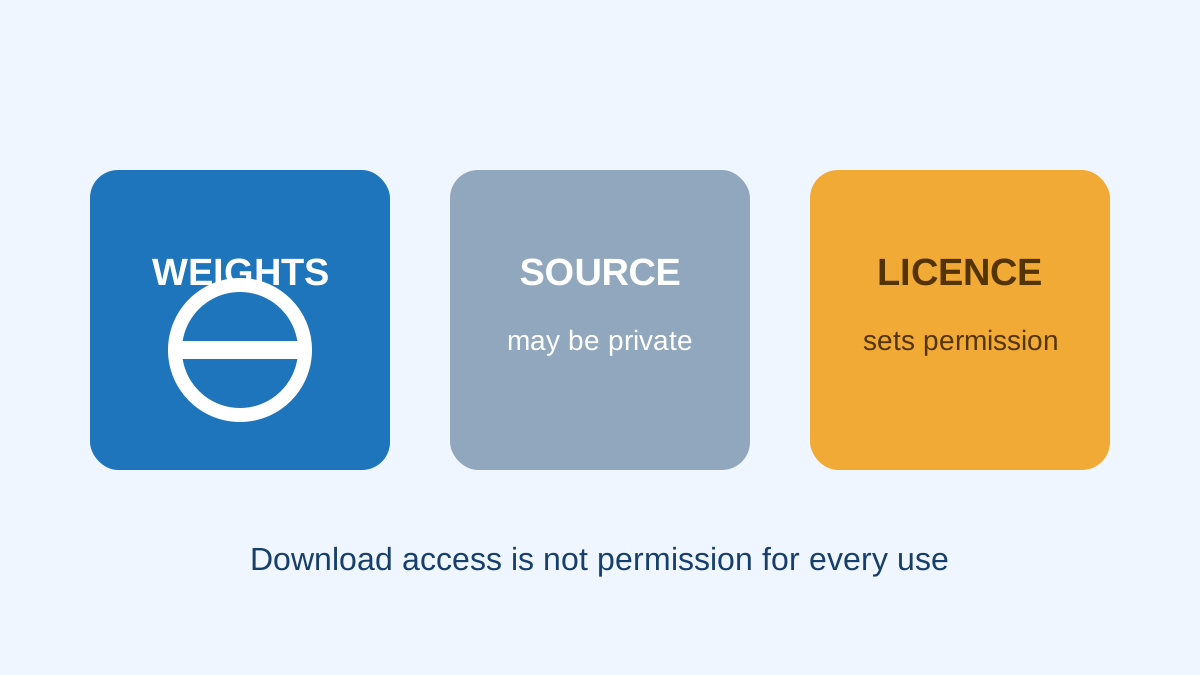
Available weights are not the whole productThe licence is the permission documentSoftware and model licences can differAcceptable-use rules may add limitsKeep a simple licence recordTry it yourselfSourcesOpen weights means the model weights are available, but the licence decides what you may do with them.
Open Weight vs Closed Weight AI: Understanding the Trade-offs
The short video explains the control and convenience tradeoff and why open weight does not automatically mean fully open source. The lesson adds the licence check needed before business use or redistribution.
Watch on YouTube or turn on captions ↗Here is what matters, why it matters and how to check it on your own setup.
Available weights are not the whole product
A publisher may let people download model weights while keeping parts of the training data or process private.
That is why open weights and fully open-source are not always the same claim.
A simplified learning diagram. Exact implementations can differ.
The licence is the permission document
The licence may allow research, business use, modification, redistribution, or only some of these.
Read the terms attached to the exact model version. A blog post or model name does not replace the licence text.
Software and model licences can differ
The engine may use one licence while the model uses another. A document or dataset connected to the system may add more terms.
Check each important component before selling or distributing a combined product.
Acceptable-use rules may add limits
Some model releases include a use policy alongside the licence.
Do not assume that being able to download a file gives permission for every activity or country.
Keep a simple licence record
Save the model name, version, source, licence link, and date checked.
For a high-value commercial deployment or uncertain terms, ask a qualified legal professional instead of guessing.
Try it yourself
Use harmless information for this exercise. Record what you observe instead of treating one result as a universal rule.
- Open the licence for one model you want to use.
- Write down whether your planned use is personal, internal business, hosted service, or redistribution.
- List any condition you need to satisfy before launch.
Quick check: open the recap
Does open weights automatically mean no restrictions? No. The licence and use policy still matter.
Finished this lesson?
Mark it complete when you have read the lesson and tried the exercise. This saves progress on this browser. It is your own assessment, not a test score.
Sources for this lesson
Official documentation supports product and model facts. Community discussions show real setups, failures, and questions. A community result is supporting evidence, not a promise that another computer will perform the same way.
Watch a real test. Check what fits your computer.
See practical local AI tests from DeviceTerra, then use MamiLens to build a hardware-aware shortlist for your own setup.
This guide is educational. Model software, licenses, and hardware support can change. Check official sources before an important deployment.