On this page
Storage keeps filesOne model may create several filesFree space mattersAn SSD helps loadingPlan a small model libraryTry it yourselfSourcesStorage keeps model files when they are not running. It is different from RAM and VRAM.
What Is a Hard Drive? HDD, SSD and Storage Explained
The video introduces persistent computer storage and the difference between HDDs and SSDs. The lesson then shows how engines, model files, caches, and document indexes consume that space.
Watch on YouTube or turn on captions ↗Here is what matters, why it matters and how to check it on your own setup.
Storage keeps files
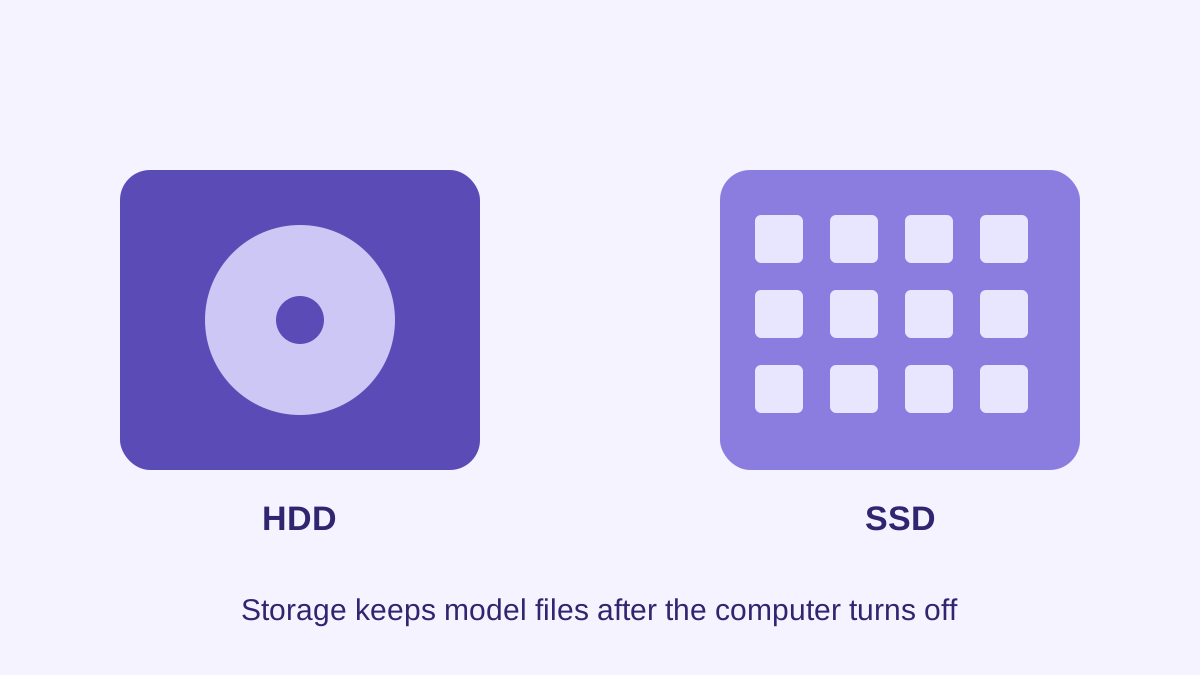
Your drive stores the AI engine, model files, documents, caches, and downloads.
Turning the computer off does not remove these files. RAM and VRAM are used differently while programs run.
A simplified learning diagram. Exact implementations can differ.
One model may create several files
A download may include temporary data, metadata, or more than one model component.
Document tools may also create indexes. Plan for more space than the advertised weight file alone.
Free space matters
A nearly full system drive can make ordinary computer work unreliable and leave no room for updates.
Keep a safety margin. Remove unused models through the engine's model manager rather than deleting unknown system folders.
An SSD helps loading
Solid-state storage usually loads large files faster than an older mechanical drive.
Faster storage can reduce loading time, but it does not replace RAM or guarantee faster token generation after loading.
Plan a small model library
Start with one model that matches the task. Record its exact tag or filename before adding another.
Keeping many similar downloads wastes space and makes it harder to know which model produced a result.
Try it yourself
Use harmless information for this exercise. Record what you observe instead of treating one result as a universal rule.
- Check free space on the drive where models will be stored.
- Write down the model file size and add room for the engine, cache, and future updates.
- Find the engine's official remove-model control before downloading several files.
Quick check: open the recap
Will deleting a model increase RAM? No. It frees storage space, not installed working memory.
Finished this lesson?
Mark it complete when you have read the lesson and tried the exercise. This saves progress on this browser. It is your own assessment, not a test score.
Sources for this lesson
Official documentation supports product and model facts. Community discussions show real setups, failures, and questions. A community result is supporting evidence, not a promise that another computer will perform the same way.
Watch a real test. Check what fits your computer.
See practical local AI tests from DeviceTerra, then use MamiLens to build a hardware-aware shortlist for your own setup.
This guide is educational. Model software, licenses, and hardware support can change. Check official sources before an important deployment.