On this page
The CPU handles many kinds of workCPU-only local AI is usefulCores and speed are not the whole storyCPU and RAM work togetherChoose a realistic first testTry it yourselfSourcesThe CPU is the computer's general-purpose processor. It can run local AI, but larger models may answer slowly.
How a CPU Works: A 3D Animated Tour
Watch the processor tour first. It follows instructions through the main parts of a CPU. This lesson then connects that general computer knowledge to running a local model on CPU and RAM.
Watch on YouTube or turn on captions ↗Here is what matters, why it matters and how to check it on your own setup.
The CPU handles many kinds of work
CPU means central processing unit. It follows instructions for the operating system, browser, office programs, and AI engine.
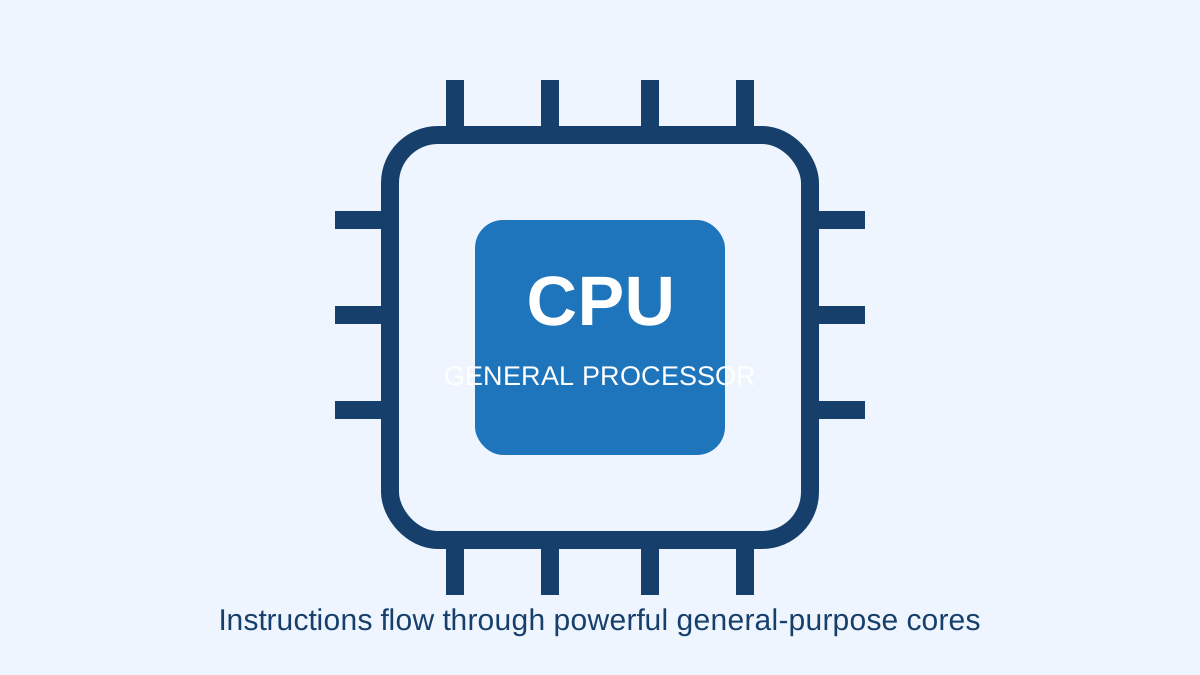
A CPU has a small number of powerful cores designed for varied work. It can run a language model even when the computer has no dedicated GPU.
A simplified learning diagram. Exact implementations can differ.
CPU-only local AI is useful
A small model on a modern CPU may be suitable for drafting, rewriting, or short questions.
Useful does not always mean fast. Measure the waiting time on your own task before deciding that a setup is good enough.
Cores and speed are not the whole story
Core count, clock speed, memory speed, cooling, model format, and engine settings can all affect performance.
Do not promise an exact speed from the CPU name alone. Two laptops with similar processors can behave differently under heat or power limits.
CPU and RAM work together
The CPU performs calculations while RAM holds the active model and conversation data.
A fast processor cannot load a model that does not fit safely in memory. Check RAM first, then test speed.
Choose a realistic first test
Begin with a small instruction model and a short prompt. Keep normal work apps open for the final test.
If the answer is too slow, reduce model size or context before assuming that you must replace the computer.
Try it yourself
Use harmless information for this exercise. Record what you observe instead of treating one result as a universal rule.
- Open your system information and record the exact CPU name.
- Run one harmless prompt twice and compare the first and second waiting times.
- Write down whether the speed is acceptable for that specific job.
Quick check: open the recap
Can a computer run local AI without a GPU? Yes. Its CPU may run the model, although speed and model choices can be limited.
Finished this lesson?
Mark it complete when you have read the lesson and tried the exercise. This saves progress on this browser. It is your own assessment, not a test score.
Sources for this lesson
Official documentation supports product and model facts. Community discussions show real setups, failures, and questions. A community result is supporting evidence, not a promise that another computer will perform the same way.
Watch a real test. Check what fits your computer.
See practical local AI tests from DeviceTerra, then use MamiLens to build a hardware-aware shortlist for your own setup.
This guide is educational. Model software, licenses, and hardware support can change. Check official sources before an important deployment.