On this page
A GPU was built for parallel workDedicated and integrated graphics differSoftware support comes firstA GPU does not improve every answerFull use and partial use are differentTry it yourselfSourcesA GPU can perform many similar calculations at once, which can speed up supported AI workloads.
How Do Graphics Cards Work? Exploring GPU Architecture
The animation explains why a GPU can perform many similar calculations together. The written lesson applies that idea to supported local AI workloads without promising that every GPU or engine will work.
Watch on YouTube or turn on captions ↗Here is what matters, why it matters and how to check it on your own setup.
A GPU was built for parallel work
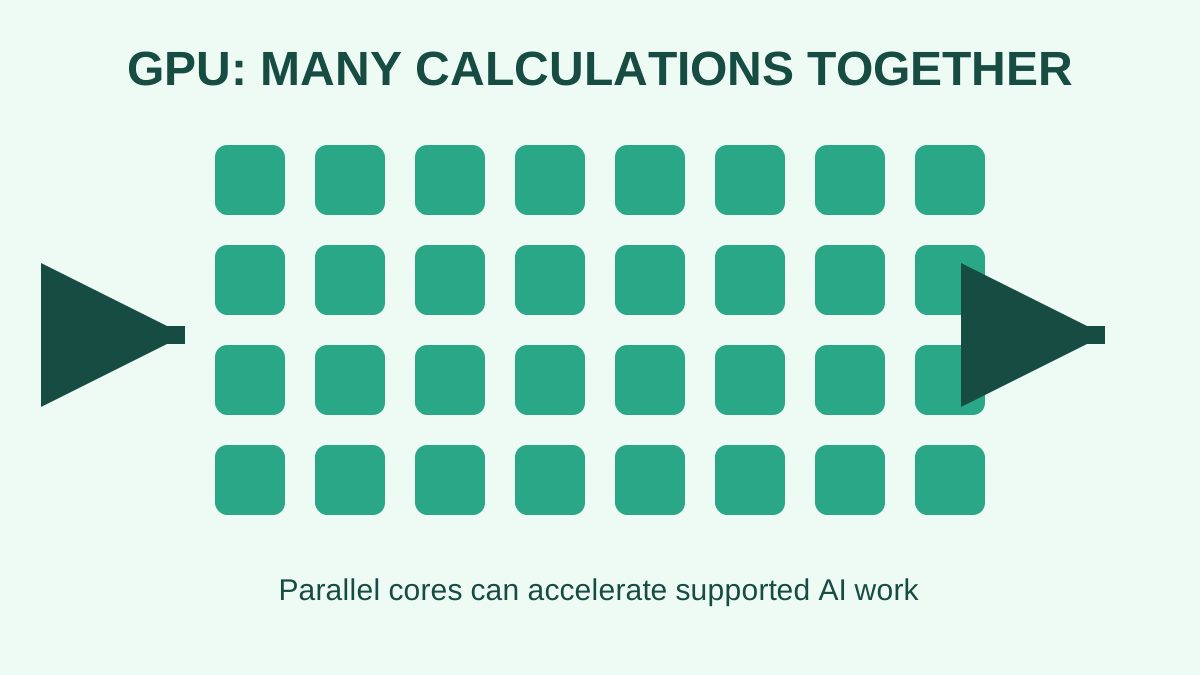
GPU means graphics processing unit. It was designed to perform many similar calculations at the same time.
That pattern also suits much AI work, so a supported GPU can make model loading and generation faster.
A simplified learning diagram. Exact implementations can differ.
Dedicated and integrated graphics differ
A dedicated GPU normally has its own memory. Integrated graphics shares system resources with the CPU.
Do not treat the largest shared-memory number shown by Windows as dedicated GPU memory.
Software support comes first
The engine, operating system, driver, and exact GPU must support one another.
A powerful card may fall back to the CPU when the required software path is missing. Check the engine's official hardware documentation.
A GPU does not improve every answer
A GPU mainly changes how the calculations run. It does not automatically make the model more truthful or suitable for your task.
Answer quality still depends on the exact model, prompt, source material, and review process.
Full use and partial use are different
Some engines can place part of a model on the GPU and keep the rest in system RAM.
Partial offload may help, but it is not the same as fitting the whole workload in dedicated GPU memory.
Try it yourself
Use harmless information for this exercise. Record what you observe instead of treating one result as a universal rule.
- Find the exact GPU name in Task Manager, System Information, or About This Mac.
- Record whether it is integrated or dedicated.
- Check the official documentation for the engine you plan to use.
Quick check: open the recap
Does any GPU make local AI fast? No. The exact GPU and software path must be supported, and the workload must fit.
Finished this lesson?
Mark it complete when you have read the lesson and tried the exercise. This saves progress on this browser. It is your own assessment, not a test score.
Sources for this lesson
Official documentation supports product and model facts. Community discussions show real setups, failures, and questions. A community result is supporting evidence, not a promise that another computer will perform the same way.
Watch a real test. Check what fits your computer.
See practical local AI tests from DeviceTerra, then use MamiLens to build a hardware-aware shortlist for your own setup.
This guide is educational. Model software, licenses, and hardware support can change. Check official sources before an important deployment.