On this page
Pick a reliable first modelKnow what 64 GB does and does not buyRun the comparison safelyA larger model is not automatically the winnerSourcesQwen3 14B Q4_K_M is the safer daily starting model; Qwen3 30B is a larger test candidate with a published 19 GB artifact. More RAM makes loading possible, not fast.
Here is what matters, why it matters and how to check it on your own setup.
Pick a reliable first model
For a general purpose local assistant, begin with Qwen3 14B Q4_K_M (about 9.3 GB). It leaves more memory for the OS, long documents and other work than jumping directly to a 30B file.
If your workload needs a larger model, compare Qwen3 30B Q4 (about 19 GB) as a separate experiment. On a CPU-only workstation, it may be slow even if it loads; if your supported GPU has enough VRAM, speed may improve. Do not infer speed from system RAM alone.
Conservative start
ollama run qwen3:14b-q4_K_MLarger optional comparison
ollama run qwen3:30bKnow what 64 GB does and does not buy
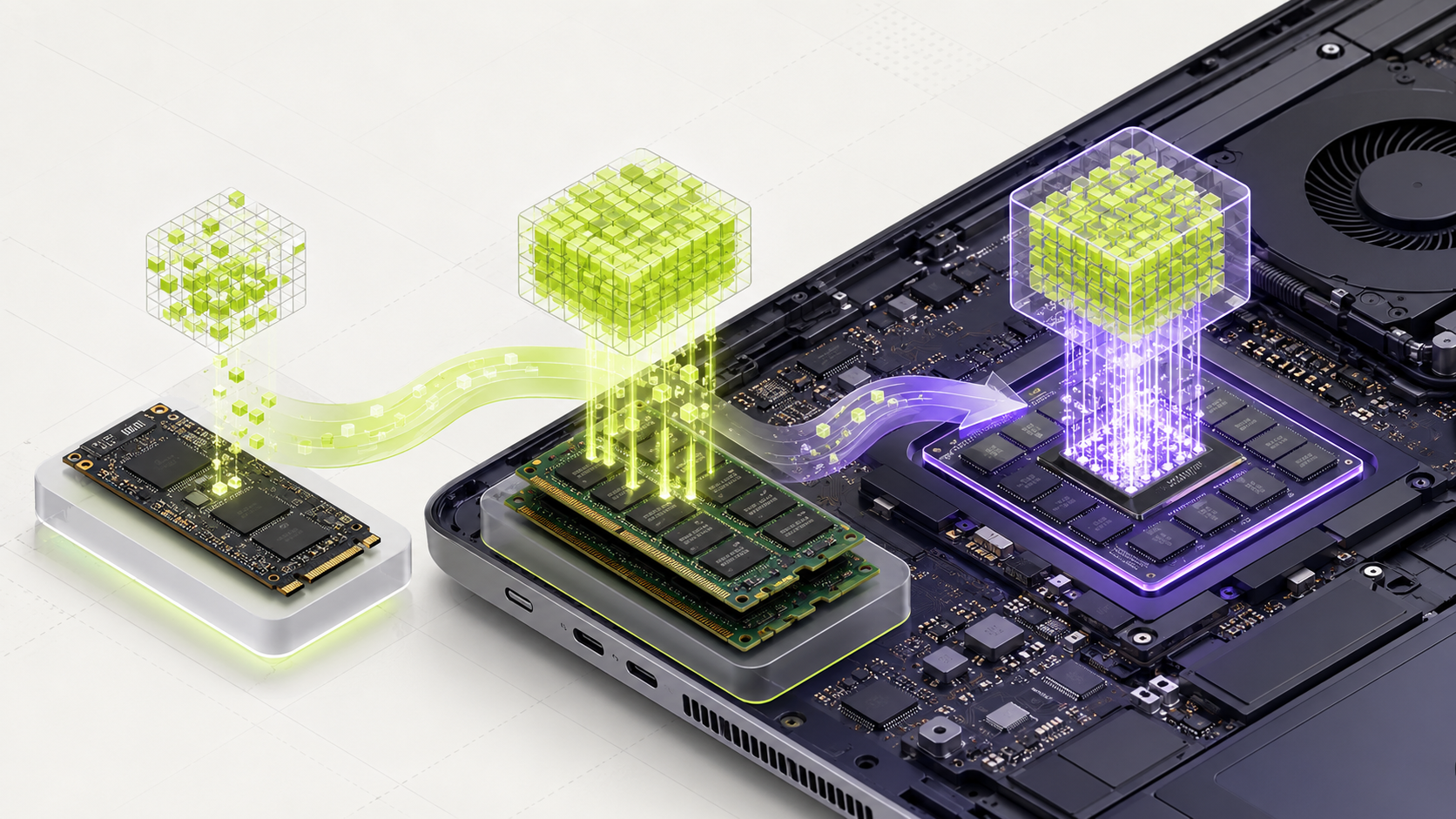
More system RAM lets you load larger weight files and keep more programs open. It does not provide the bandwidth of a high-end GPU, and it does not make a model more accurate. The task, software, quantization and prompt still affect quality.
The Ollama library lists Qwen3 14B at about 9.3 GB and 30B at about 19 GB for Q4_K_M. Keep a generous reserve for context and applications. Model tags and library sizes can change, so check the live library before installing.
Run the comparison safely
Use the same 10 to 20 prompts, context setting and answer length for both candidates. Score correctness and completeness before speed. Record model tag, runtime version, hardware and peak memory.
For your first pass, use 4K context. Increase it only if your task needs more text and your device has clear headroom.
A larger model is not automatically the winner
If the 30B test is too slow or spends time swapping memory to disk, return to 14B. A responsive model that handles your real task can be more useful than a larger model that interrupts your work.
We do not claim a universal 64 GB performance result. User reports depend on their CPU, GPU, runtime, cooling and settings; compare only reports that show those details.
Words you may see in this guide
- RAM
- The working memory used by your computer and apps.
- VRAM
- The memory on a dedicated graphics card. Shared graphics may use system RAM.
- Context
- The text and other input the model can use for its current answer.
- Quantization
- A way to make model weights smaller. It can change memory use and answer quality.
- Engine
- The software that loads the model and runs it.
- RAG
- A workflow that finds useful document passages before asking a model to answer.
- Benchmark
- A repeatable test. A result is useful only when you know the setup and task.
Official facts and real user evidence
Official documentation supports product and model facts. Community discussions show real setups, failures, and questions. A community result is supporting evidence, not a promise that another computer will perform the same way.
Watch a real test. Check what fits your computer.
See practical local AI tests from DeviceTerra, then use MamiLens to build a hardware-aware shortlist for your own setup.
This guide is educational. Model software, licenses, and hardware support can change. Check official sources before an important deployment.