On this page
The measured Mac resultTry the exact model through OllamaUnified memory is sharedA simple personal checkSourcesA community benchmark on a 16 GB Mac mini M4 reports Qwen3 8B in MLX 4-bit at 92.8% on its 125-example task suite and 5.0 GB reported memory. Treat that as task-specific Mac evidence, not a guarantee for Ollama or another Mac.
Here is what matters, why it matters and how to check it on your own setup.
The measured Mac result
The public mlx-llm-bench project reports Qwen3 8B at 92.8% on a 125-example classification benchmark on a 16 GB Mac mini M4, with 5.0 GB memory and 2.6 seconds reported latency. This makes Qwen3 8B a strong test candidate for similar Apple Silicon systems and that task suite.
The report is not a universal score for chat, coding, documents or another Mac generation. Its benchmark uses an MLX setup; memory pressure and speed depend on the actual computer, macOS, runtime, context and open applications.
Try the exact model through Ollama
Ollama publishes a Qwen3 8B Q4_K_M tag at about 5.2 GB. This tag is an option if you prefer Ollama. It is not the same benchmark setup as the MLX results above, so do not attach that score or speed to Ollama.
Ollama model command
ollama run qwen3:8b-q4_K_MUnified memory is shared
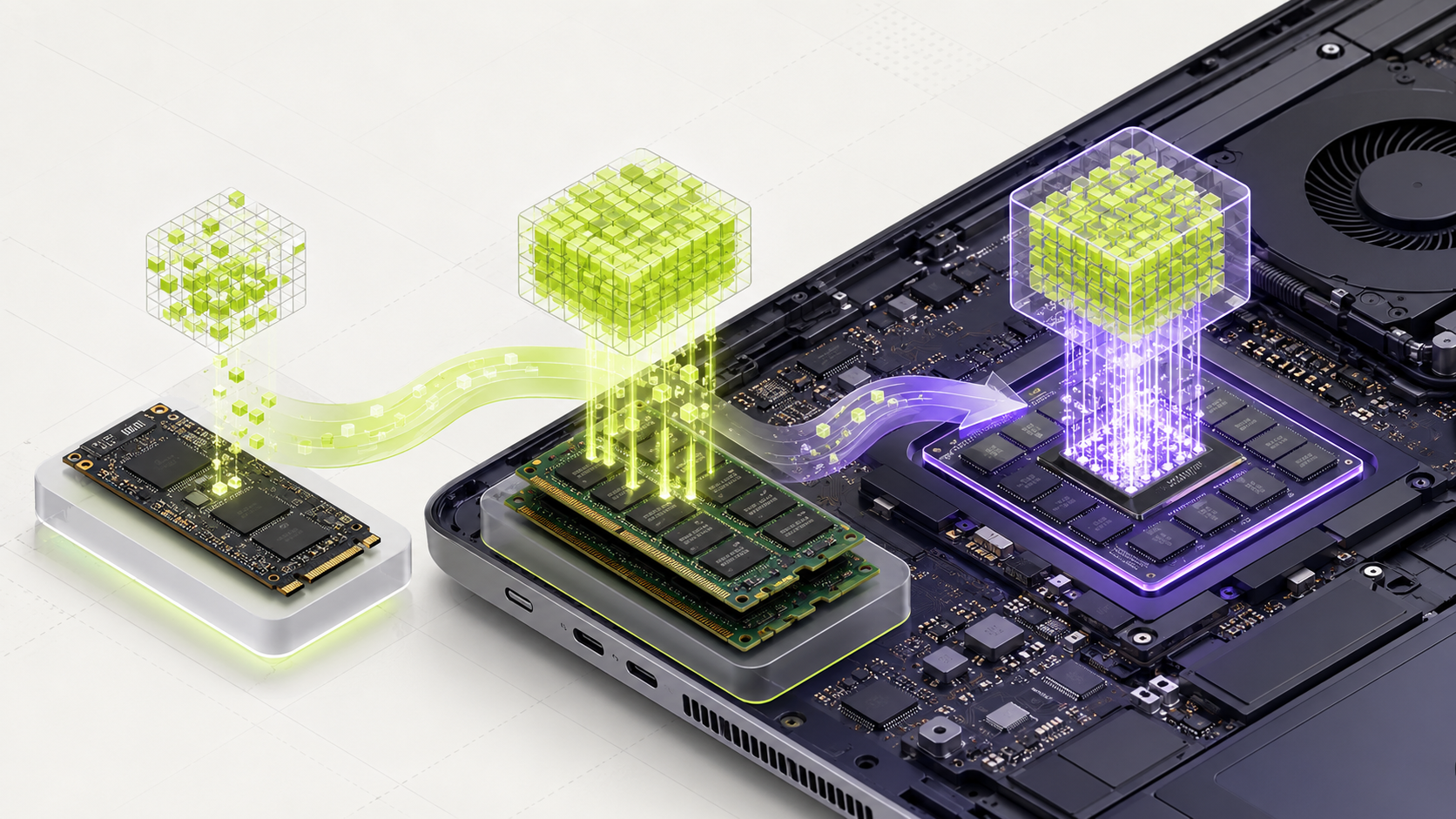
On Apple Silicon, the same memory pool serves macOS, applications and the model. The model cannot safely claim all 16 GB. Leave room for normal applications and start with a short 4K context.
Apple's memory design can make large models possible, but the model's speed still depends on chip generation, bandwidth, runtime and settings.
A simple personal check
- Note your Mac chip and installed unified memory.
- Run the chosen model with a short 4K context and your normal apps closed.
- Check Activity Monitor's memory pressure while testing.
- Try the exact tasks you care about and record delay, correctness and memory.
- Repeat with your usual browser or office apps open before relying on it.
Words you may see in this guide
- RAM
- The working memory used by your computer and apps.
- VRAM
- The memory on a dedicated graphics card. Shared graphics may use system RAM.
- Context
- The text and other input the model can use for its current answer.
- Quantization
- A way to make model weights smaller. It can change memory use and answer quality.
- Engine
- The software that loads the model and runs it.
- RAG
- A workflow that finds useful document passages before asking a model to answer.
- Benchmark
- A repeatable test. A result is useful only when you know the setup and task.
Official facts and real user evidence
Official documentation supports product and model facts. Community discussions show real setups, failures, and questions. A community result is supporting evidence, not a promise that another computer will perform the same way.
Watch a real test. Check what fits your computer.
See practical local AI tests from DeviceTerra, then use MamiLens to build a hardware-aware shortlist for your own setup.
This guide is educational. Model software, licenses, and hardware support can change. Check official sources before an important deployment.