On this page
Check the exact card and the actual execution pathThe short answerWhat full GPU fit meansWhy speed numbers varyChoose by jobUse a short context firstVerify the GPU pathShould you upgrade?Make the 12 GB test repeatableCan a 14B model fit?SourcesBegin with Qwen3 8B Q4 and a 4K context. Verify GPU loading, then compare smaller or larger models with the same work samples.
What should you choose?
For an RTX 3060 with 12 GB of VRAM, start with Qwen3 8B Q4 for general text work. Use a 4K context for the first test. Confirm that the model actually loads on the GPU before judging speed or trying a larger model.
The desktop 12 GB RTX 3060, a supported NVIDIA driver, sufficient system RAM, one user and no competing GPU-heavy app. The 8 GB desktop card and laptop variants need their own checks.
Qwen3 8B Q4
The published Ollama artifact is about 5.2 GB, leaving part of the 12 GB GPU memory for runtime and context.
Limit: File size is not total runtime memory. Verify GPU loading.ollama run qwen3:8bQwen3 4B Q4
Compare the same prompts with a smaller model before deciding that 8B is worth the wait.
Limit: Keep it only if it passes your real tasks.ollama run qwen3:4bDo not assume a 14B model fits fully because its file is smaller than 12 GB. Context and runtime overhead can push some work into system RAM.
Check this choice on your computer
Starts with the 12 GB card and 32 GB system RAM. Change system RAM and context before using the result.
Check my RTX 3060 model options →
Evidence: Model tags and commands were checked against official sources on October 8, 2026. These suggestions are not measured benchmarks on your hardware. See how MamiLens checks recommendations.
What to record in your own test
CPU, RAM, GPU, driver, engine version, exact model tag, context, first-answer time, repeat-answer time, peak memory and factual errors. Use the same prompts for each model.
Follow the repeatable test guide →Here is what matters, why it matters and how to check it on your own setup.
Check the exact card and the actual execution path
Confirm the card is the 12 GB RTX 3060 variant before using this page’s assumptions. Enter your system RAM separately. Leave room for display use, model cache and the runtime; a model file slightly smaller than 12 GB may still need partial CPU offload.
Compare a smaller model that stays on the GPU with a larger model that spills into RAM. The larger one may give better answers but worse waiting time. For your decision, record both quality and waiting time using the same prompts.
- Record the exact model tag and quantization.
- Keep the first comparison to one user and a short context.
- Check GPU loading in the runtime rather than assuming it from the card name.
- Repeat with your normal applications open before accepting the configuration.
The short answer
Start with an 8B model when you want the fastest normal chat. Test a 12B or 14B Q4 model when answer quality matters more. Do not choose a 30B dense model as your first daily model because much of it must use system RAM.
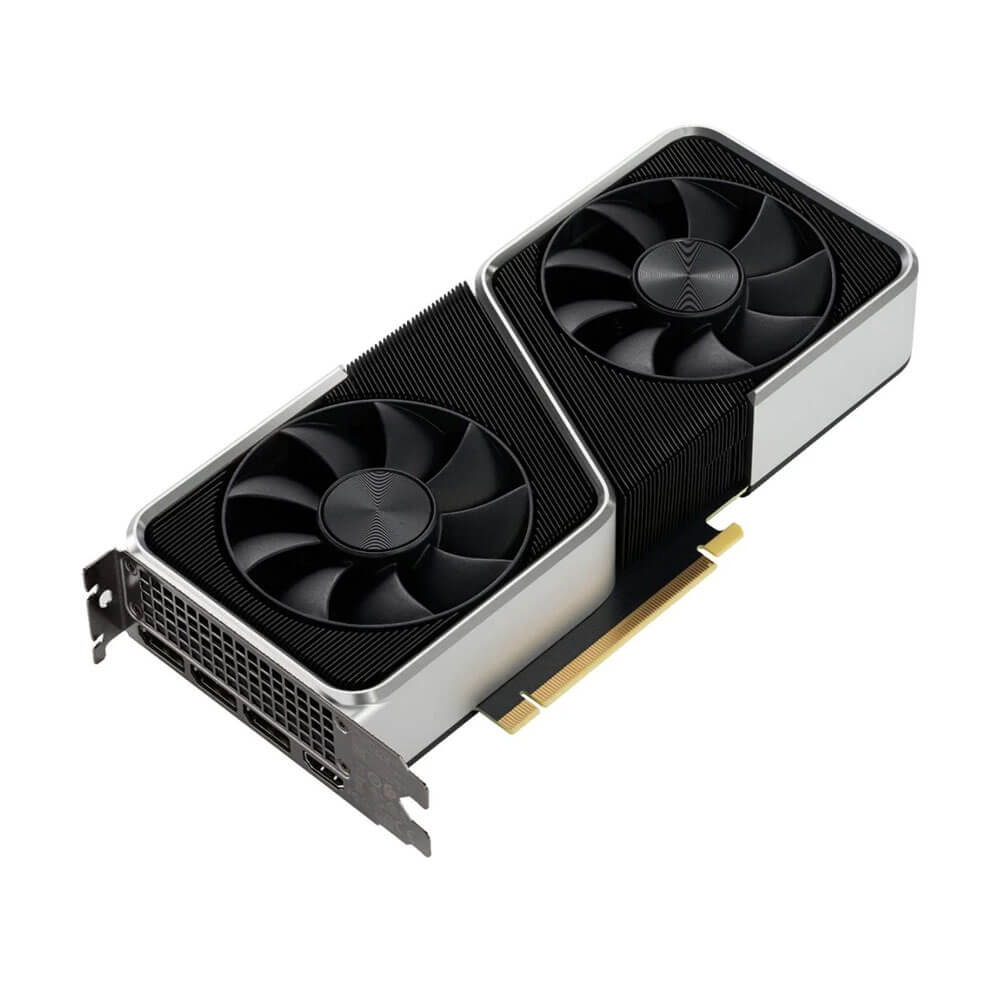
NVIDIA lists the desktop RTX 3060 with 12 GB of GDDR6 memory. Hardware references report a 192-bit bus and about 360 GB per second of memory bandwidth. The large VRAM capacity keeps this older card useful for local models.
Usually fits fully with room for context
A strong test if the exact file fits
Often needs system RAM and becomes slower
What full GPU fit means
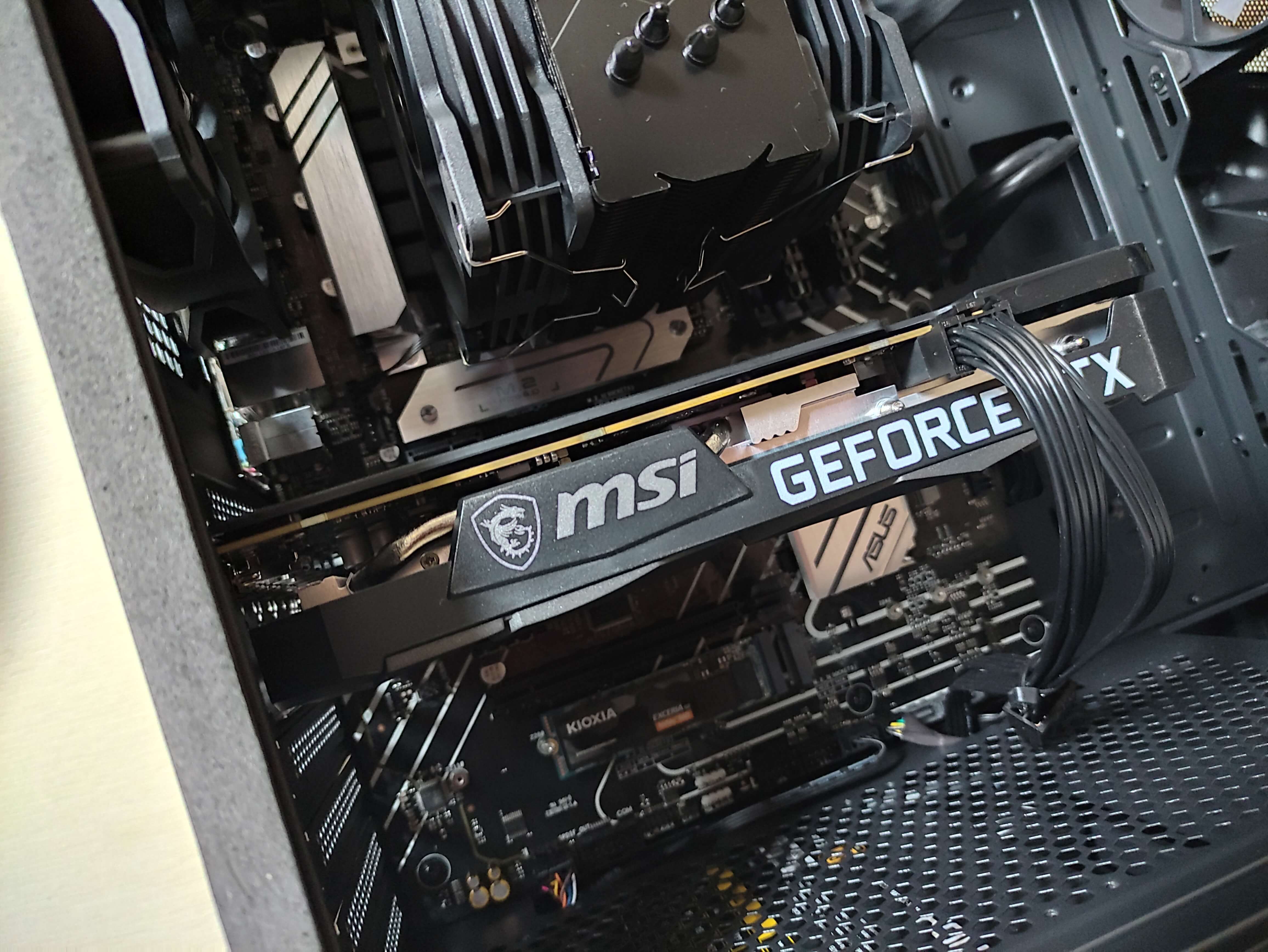
When the model and its working memory fit in VRAM, the GPU can do most of the work without repeatedly waiting for normal RAM. In simple words, the model stays on the fast desk beside the worker.
If the file is too large, llama.cpp and related engines can keep some layers in system RAM. The model may still run, but it is not the same experience as a full GPU load.
This model can sit fully inside your selected GPU. That usually gives the fastest and most stable starting point.
Why speed numbers vary
Community benchmark collections show useful RTX 3060 results, but the exact rate changes with model architecture, quantization, context, driver, cooling, and engine. MamiLens should never promise one fixed token rate from the GPU name alone.
An 8B Q4 model should feel responsive when fully loaded. A 14B Q4 may still be comfortable, but it needs an exact fit check and real speed test.
More weights require more work
Avoids slow transfers to system RAM
Long prompts need more memory and time
The backend path must be verified
Choose by job
- General writing and chat: current Qwen or Llama instruction models around 8B.
- Stronger reasoning and multilingual work: a 12B to 14B Q4 model that fits safely.
- Coding: a code-tuned 7B to 14B model tested on your repository tasks.
- Images and screenshots: a vision model whose text file and image projector are supported.
- Private PDFs: an 8B to 14B writer plus an embedding and retrieval system.
Use a short context first
A model may advertise 128K context, but 128K is not a sensible default on every 12 GB card. The KV cache grows as the conversation grows. Long prompts also take longer to process.
Begin at 8K or 16K. Increase only when a real task needs more text. Use retrieval for large document collections instead of placing every page in one prompt.
Verify the GPU path
- Open Windows Task Manager, select Performance, and then GPU.
- Run one prompt after the model loads.
- Check dedicated GPU memory, not shared GPU memory.
- Read the engine log for layers sent to the GPU.
- Compare against a CPU-only run if possible.
- Do not call the setup GPU accelerated until the evidence shows real GPU work.
Should you upgrade?
If you already own an RTX 3060 12 GB, keep it until a real task proves that 12 GB is too small or the speed is too low. It remains a useful one-person local AI card.
When buying used hardware, compare price, power, warranty, cooling, and VRAM. Newer cards can be faster, but an 8 GB card may block a model that fits on the 3060.
Make the 12 GB test repeatable
Write down your driver, app version, model tag or file and context setting. Begin with one user and a short conversation. A good result at short context does not prove the same model fits with a large document or several active users.
Test a normal prompt and a longer work sample. Check the first wait, answer speed and highest dedicated memory use. If the larger candidate spills work into RAM, compare its quality gain with the extra delay. Keep the smaller model if it does the job better overall.
Do not borrow an exact tokens-per-second claim from a video unless the full setup matches yours. Even then, measure your own result.
Can a 14B model fit?
Some smaller-weight files may be candidates, but the exact architecture, file, context and engine decide the result. Use the calculator as a first check and confirm by measurement.
Check that your RTX 3060 is doing the work
Install Ollama and a supported NVIDIA driver first. Use the same short prompts for each model.
- 1
Load the first model
Run this in PowerShell or Terminal. The first run downloads the model.
ollama run qwen3:8b - 2
Set a short context
Inside the model chat, enter this setting before your test prompt.
/set parameter num_ctx 4096 - 3
Inspect GPU loading
While the model is loaded, open a second terminal and run this command. The PROCESSOR column shows GPU, CPU or a split. A split means some work is using system memory.
ollama ps - 4
Compare useful answers
Run the same rewrite, factual summary and task-specific question twice. Record the second run separately from the first load. Note errors, waiting time and peak memory.
- You recorded the exact model tag, engine version, driver and context.
- You checked the execution path instead of assuming GPU use.
- The model preserves the facts and the computer stays usable.
Words you may see in this guide
- RAM
- The working memory used by your computer and apps.
- VRAM
- The memory on a dedicated graphics card. Shared graphics may use system RAM.
- Context
- The text and other input the model can use for its current answer.
- Quantization
- A way to make model weights smaller. It can change memory use and answer quality.
- Engine
- The software that loads the model and runs it.
- RAG
- A workflow that finds useful document passages before asking a model to answer.
- Benchmark
- A repeatable test. A result is useful only when you know the setup and task.
Official facts and real user evidence
Official documentation supports product and model facts. Community discussions show real setups, failures, and questions. A community result is supporting evidence, not a promise that another computer will perform the same way.
Watch a real test. Check what fits your computer.
See practical local AI tests from DeviceTerra, then use MamiLens to build a hardware-aware shortlist for your own setup.
This guide is educational. Model software, licenses, and hardware support can change. Check official sources before an important deployment.