On this page
Two numbers decide what a computer can doRTX 3090 or one RTX 5060 Ti?Two graphics cards do not make one memory poolWhat real RTX tests foundUnified memory: one pool for the CPU and GPUExamples from AMD and Mac testingWhich system should you buy?SourcesChoose by the model and context you want to run. One RTX 3090 can be quicker for a model that fits; two RTX 5060 Ti cards can hold more when software splits the model; unified-memory systems make large models easier to fit but are not automatically faster.
Here is what matters, why it matters and how to check it on your own setup.
Two numbers decide what a computer can do
When you run a local AI model, two memory facts matter. Capacity is how much model data can be kept ready. Bandwidth is how quickly that data can move to the processor. More capacity can let you load a larger model or keep a longer chat. More bandwidth can help the model produce each new word faster.
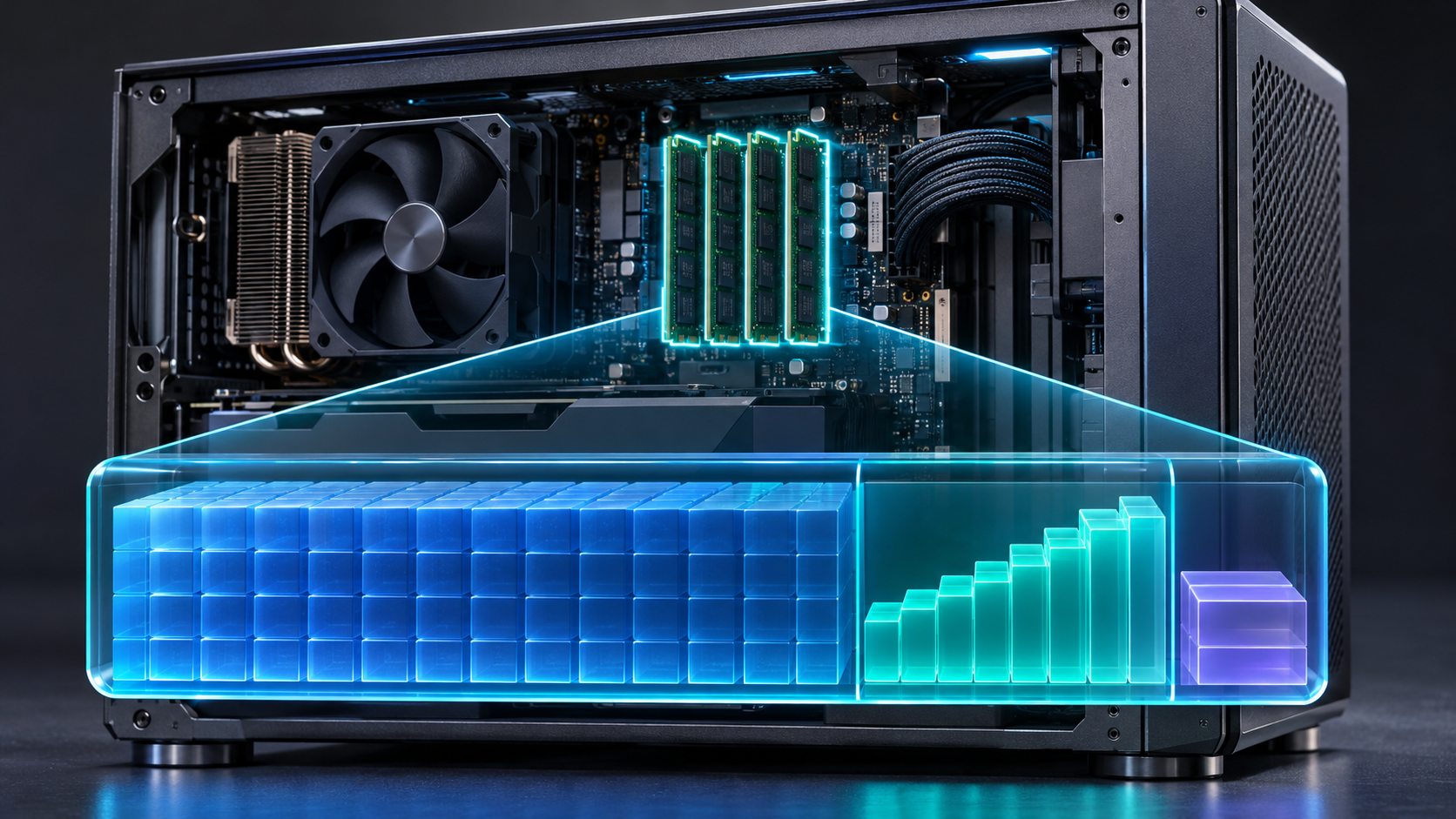
A model also needs room for its chat context, temporary calculations, the AI app, and the operating system. A model's advertised context limit is not a promise that your computer can use that full limit. A 4-bit model file is often close to half a byte per parameter, plus file and format overhead, but the file size alone does not tell you the total memory needed.
| Option | Memory for AI | Published bandwidth | Power / price notes |
|---|---|---|---|
| One RTX 5060 Ti 16 GB | 16 GB on one card | 448 GB/s | 180 W graphics-card power. Tracked US new-card prices were around $800. |
| Used RTX 3090 | 24 GB on one card | 936 GB/s | 350 W graphics-card power. Recent US used sales had a $1,650 median. |
| Two RTX 5060 Ti 16 GB cards | 32 GB total across two separate cards | 448 GB/s per card; not a single 896 GB/s pool | 360 W combined graphics-card rating before the rest of the PC. Two-card setup and GPU-only price add cost. |
| Ryzen AI Max+ 395 system, 128 GB | One shared 128 GB system pool; AMD allows up to 96 GB for graphics | 256 GB/s | Whole-system power and price depend on the computer maker. A Framework US 128 GB listing was about $3,149. |
| Mac Studio M5 Max, 128 GB | One shared 128 GB system pool | Up to 614 GB/s on the 40-core GPU configuration | Apple's M5 Max system starts at $2,499 in the US; 128 GB costs more. A 128 GB / 1 TB retailer listing was about $5,400. |
These are US examples, not worldwide quotes. Used-card sale prices, memory upgrades, shipping, tax, power supplies, cases, and stock can change the total. Check the price where you will buy before deciding.
RTX 3090 or one RTX 5060 Ti?
The RTX 3090 has 24 GB of graphics memory and a wide memory path. NVIDIA lists 936 GB/s of bandwidth and 350 W graphics-card power. The RTX 5060 Ti has 16 GB of newer GDDR7 memory, 448 GB/s bandwidth, and 180 W graphics-card power. The newer card uses less rated power, but has less memory and lower listed bandwidth.
For local AI, that makes a 3090 interesting when you need a larger model on one GPU and have a strong desktop power supply. A single 5060 Ti is simpler to buy new and use, and Blackwell adds newer AI hardware. Check whether the exact model runner supports the format you plan to use; a hardware feature only helps when the software uses it.
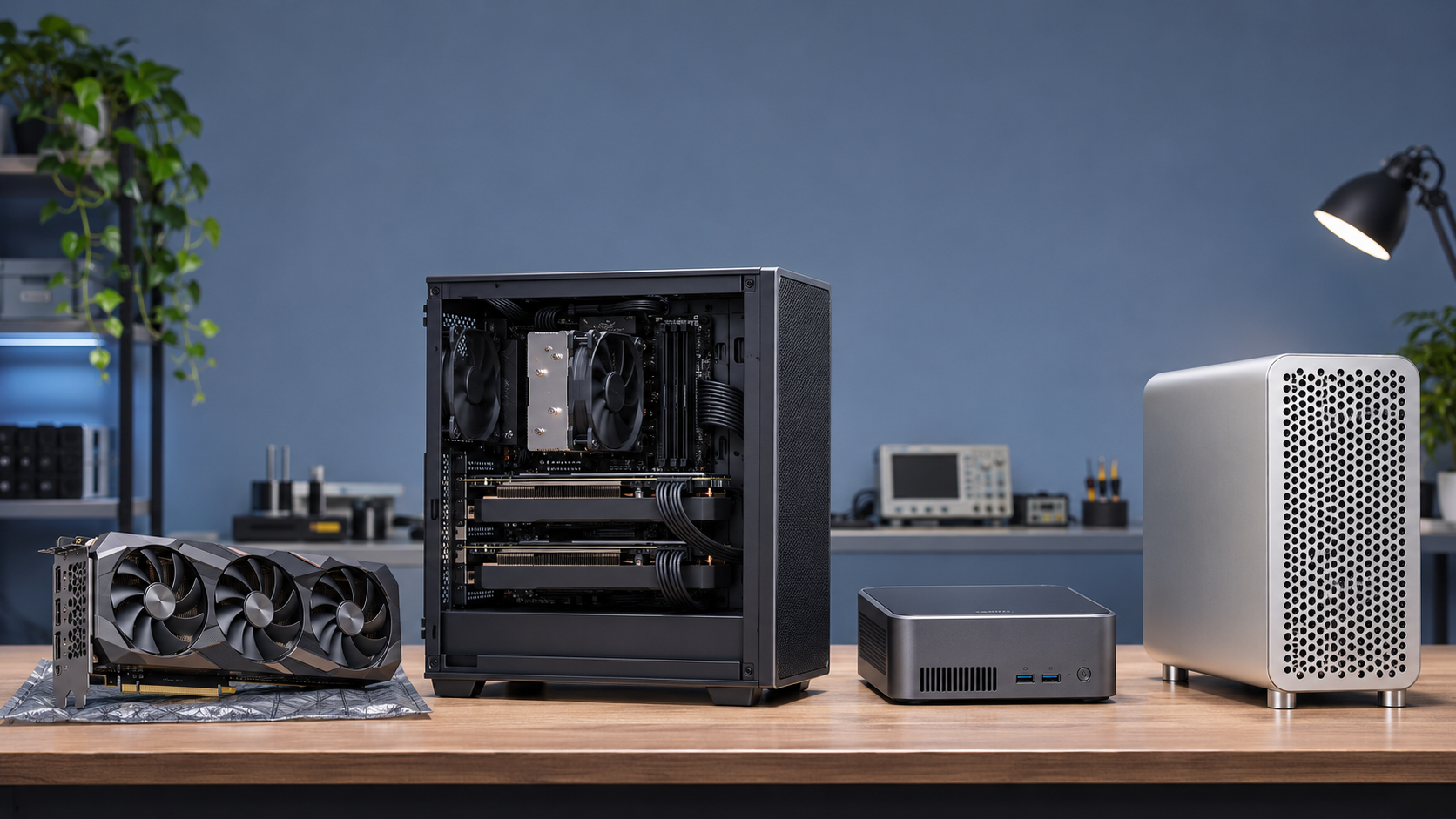
The card must also have enough memory for the model weights, context, and software. A fast card that cannot hold your chosen model may need CPU offload, which can slow generation.
Two graphics cards do not make one memory pool
Two 16 GB cards give you 32 GB of device memory in total, but each card still owns its own 16 GB pool. They do not behave like one 32 GB card. A compatible AI engine can split model layers or tensors between cards, placing some weights on each one. That can let a larger model run, but the split needs software support and communication between the cards.
The extra capacity can help with a large model or longer context. It does not automatically make answers faster. A two-card build needs two usable PCIe slots, enough space between the cards for cooling, enough power, and a runner that supports your model architecture and split. Check the motherboard's lane layout and the case before ordering.
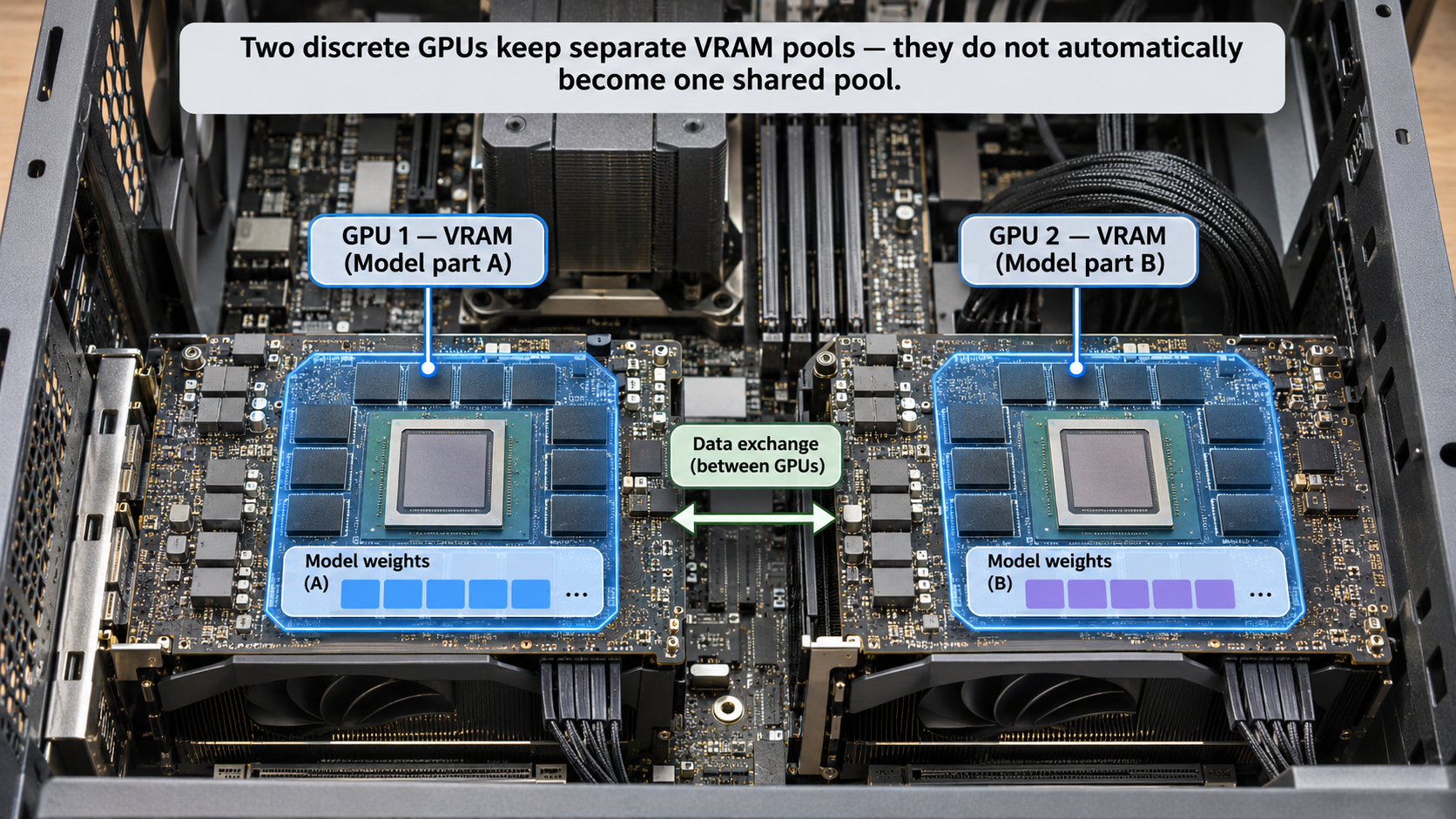
People often say a two-GPU system has 32 GB pooled VRAM. That is shorthand for software using both cards' memory. The hardware does not merge the memory into one addressable pool.
What real RTX tests found
One hardware reviewer tested a single RTX 3090 and two RTX 5060 Ti cards with llama.cpp on Ubuntu. On Qwen3 32B at about 4K context, the 3090 produced 35.1 tokens per second and the two-card setup produced 18.2. At about 16K, the results were 30.3 and 14.4. That test favors the 3090 for speed on this dense model.
The same reviewer also tested Qwen3-MoE 30B A3B. Two 5060 Ti cards reached about 131K context at 13.4 tokens per second. The 3090's largest reported run was about 57K context at 66.3 tokens per second. This shows the trade: the 3090 was faster at shorter contexts, while the two cards could run a much longer context in that setup.
These are results from one reviewer and one software setup, not a promise for your computer. Model file, quantization, prompt length, cache type, drivers, and GPU split all change results. Treat tokens per second as a guide, then test your own intended model.
| Model and context | RTX 3090, 24 GB | 2 × RTX 5060 Ti, 32 GB total | What the test shows |
|---|---|---|---|
| Qwen3 32B · about 4K | 35.1 tokens/s | 18.2 tokens/s | 3090 produced tokens faster. |
| Qwen3 32B · about 16K | 30.3 tokens/s | 14.4 tokens/s | 3090 kept the speed lead. |
| Qwen3-MoE 30B A3B · about 57K | 66.3 tokens/s | 27.8 tokens/s | 3090 was faster at this context. |
| Qwen3-MoE 30B A3B · about 131K | Not reached in this test | 13.4 tokens/s | The two-card setup ran a longer context. |
Unified memory: one pool for the CPU and GPU
A Ryzen AI Max+ system or Apple silicon Mac uses unified memory. The CPU and GPU work from the same physical memory pool. The system does not first need to copy every model weight between separate CPU RAM and graphics-card VRAM pools. This can make it easier to load models that are too large for a 16 GB or 24 GB graphics card.
The pool is still limited. The operating system, apps, model weights, context, and temporary work all need space. AMD says its 128 GB Ryzen AI Max+ 395 system can assign up to 96 GB to graphics. Apple lists M5 Max Mac Studio configurations up to 128 GB; its 40-core GPU configuration has up to 614 GB/s memory bandwidth. Those figures describe different systems and should not be read as a direct speed test.
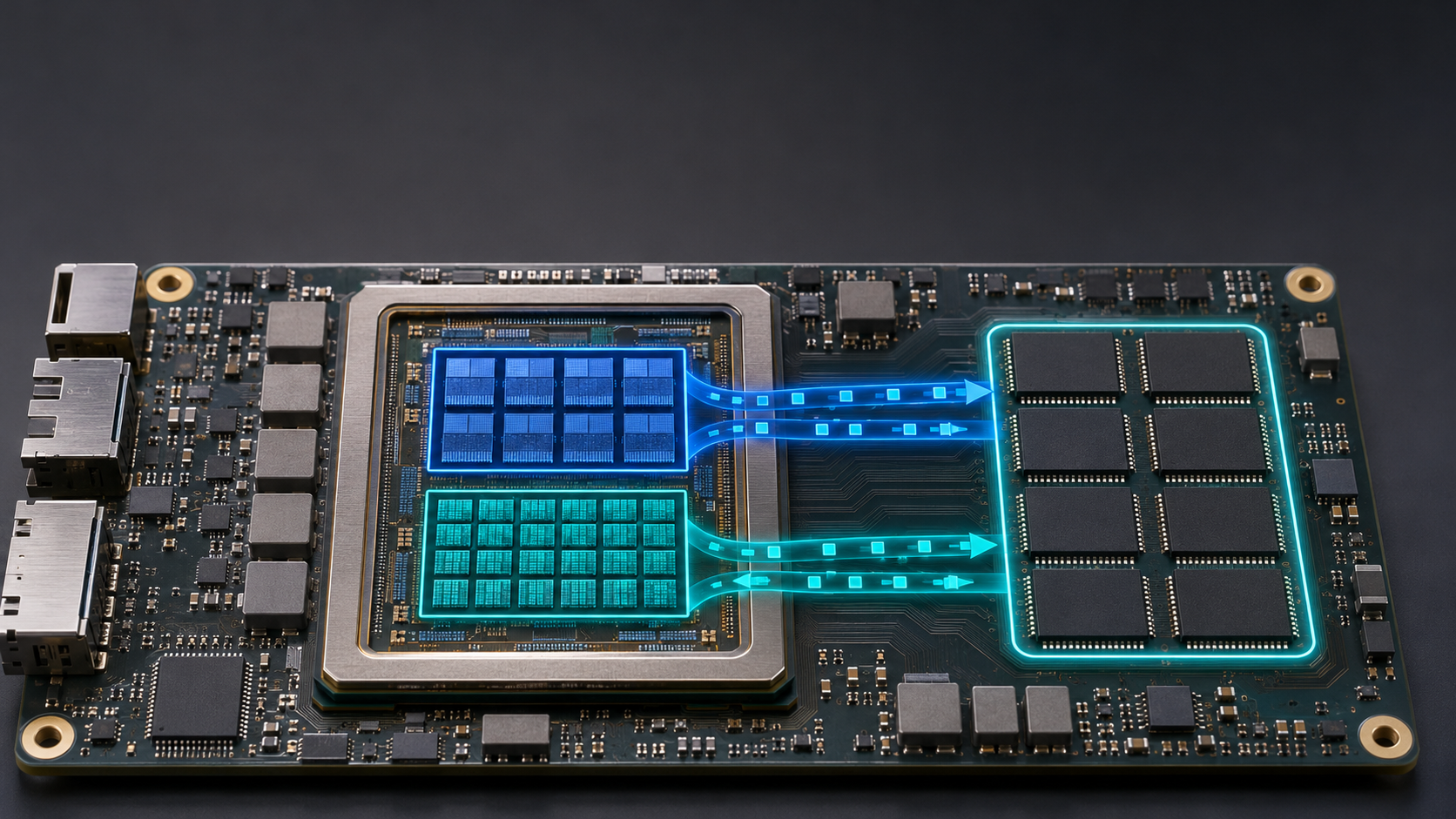
Unified memory helps with capacity. It does not guarantee fast answers. Memory bandwidth, model design, software support, context length, and prompt processing also matter.
Examples from AMD and Mac testing
A reproducible community test ran Qwen3.8-27B on a 128 GB Ryzen AI Max+ 395 mini PC. The model file was 18.83 GiB, and the test used a 128K context, Q5_K_XL quantization, Vulkan, full GPU offload, and a next-token prediction feature. It reported 16.45 generated tokens per second during a sustained 512-token test. The author also reported that starting a new coding session took much longer because the large prompt had to be processed.
A separate llama.cpp microbenchmark on an M4 Max Mac Studio reported 21.8 tokens per second for Qwen3.8-27B at Q4_K_XL, with a short test context and no multi-token prediction. It is a different model file setting and a different benchmark from the Ryzen run, so do not treat 21.8 versus 16.45 as a head-to-head winner. The current M5 Max has updated specifications, but this source set does not include a matched M5 Max test.
Which system should you buy?
Buy one used RTX 3090 if your main goal is faster output from models that fit in its 24 GB, and you already have a desktop tower that can handle its power and heat. Before paying, ask for a live load test, check temperatures and fan noise, inspect the ports and warranty, and confirm the seller accepts returns.
Buy one RTX 5060 Ti 16 GB if you want a new card, lower rated card power, and broad NVIDIA software support, and your target models fit within 16 GB plus context and app overhead. Do not buy it for 32 GB models unless you have checked an exact split or offload plan.
Consider two RTX 5060 Ti cards when capacity and long context matter more than short-context speed. Budget for a compatible board, two slots with enough lanes, cooling, and a power supply. Confirm your exact engine supports splitting the target model.
Choose a 128 GB Ryzen AI Max+ system when you want a compact Windows or Linux computer with a large shared memory pool. Check how much memory the system lets the GPU use, whether your chosen runner supports its graphics backend, and whether the actual model file plus context fits.
Choose a Mac Studio when you want macOS, Apple's MLX and Core ML tools, a quiet desktop, and a large shared memory pool. The M5 Max 128 GB option is expensive. If you need more than 128 GB and have the budget, Apple also lists M5 Ultra systems with up to 512 GB, but that is a different price and performance tier.
24 GB and high bandwidth; inspect used condition and power needs.
Lower card power; more limited model capacity.
Separate VRAM pools; needs software model splitting.
Models can fit more easily; fitting does not promise speed.
- Write down the exact model file and quantization you want.
- Choose the context length you will actually use.
- Leave memory for the operating system and other apps.
- Compare the whole build cost, power, noise, warranty, and local availability.
- For a multi-GPU or unified-memory system, verify software support for your specific engine.
Use the MamiLens calculator to shortlist models for your system, then check current local prices and the hardware maker's specifications. For an expensive build, a buying review can check your parts list, power supply, model, and workload together.
Words you may see in this guide
- RAM
- The working memory used by your computer and apps.
- VRAM
- The memory on a dedicated graphics card. Shared graphics may use system RAM.
- Context
- The text and other input the model can use for its current answer.
- Quantization
- A way to make model weights smaller. It can change memory use and answer quality.
- Engine
- The software that loads the model and runs it.
- RAG
- A workflow that finds useful document passages before asking a model to answer.
- Benchmark
- A repeatable test. A result is useful only when you know the setup and task.
Official facts and real user evidence
Official documentation supports product and model facts. Community discussions show real setups, failures, and questions. A community result is supporting evidence, not a promise that another computer will perform the same way.
- NVIDIA GeForce RTX 5060 family specifications ↗
- NVIDIA GeForce RTX 3090 specifications ↗
- NVIDIA Blackwell architecture and RTX memory specifications ↗
- AMD Ryzen AI Max+ 395 platform specifications ↗
- AMD Variable Graphics Memory and graphics-memory allocation ↗
- Apple Mac Studio M5 Max and M5 Ultra specifications ↗
- Apple: Mac Studio M5 Max US launch price ↗
- llama.cpp official multi-GPU model-splitting guide ↗
- Hardware Corner: RTX 3090 compared with two RTX 5060 Ti cards ↗
- Ryzen AI Max+ 395 Qwen3.8-27B reproducible benchmark ↗
- Mac M4 Max Qwen3.8-27B llama.cpp benchmark settings ↗
- Recent US RTX 3090 sold-price sample ↗
- US RTX 5060 Ti 16 GB price tracking ↗
- Framework Desktop 128 GB Ryzen AI Max+ listing ↗
- Micro Center Mac Studio configuration listings ↗
- Apple: Mac Studio M5 Max current specifications ↗
Watch a real test. Check what fits your computer.
See practical local AI tests from DeviceTerra, then use MamiLens to build a hardware-aware shortlist for your own setup.
This guide is educational. Model software, licenses, and hardware support can change. Check official sources before an important deployment.